Skip to content

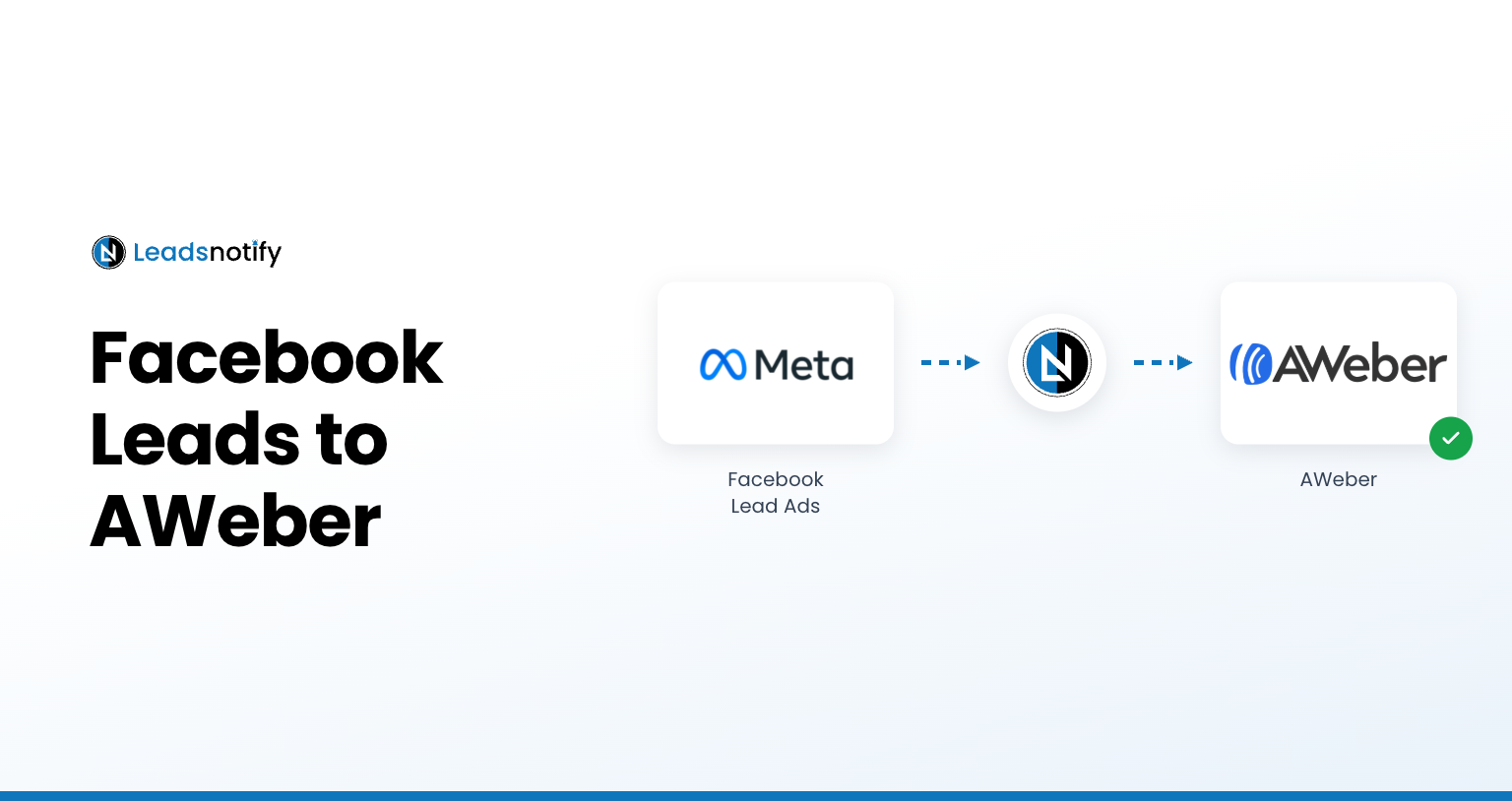
How to Connect Facebook Lead Ads to AWeber

AWeber is an email marketing platform that helps businesses manage subscribers, create email campaigns, and automate communication with their audiences. If you’re collecting leads through Facebook Lead Ads, connecting Facebook to AWeber can help you send new leads to your email marketing system without manually transferring contact information. In this guide, we’ll show you how… Continue reading How to Connect Facebook Lead Ads to AWeber
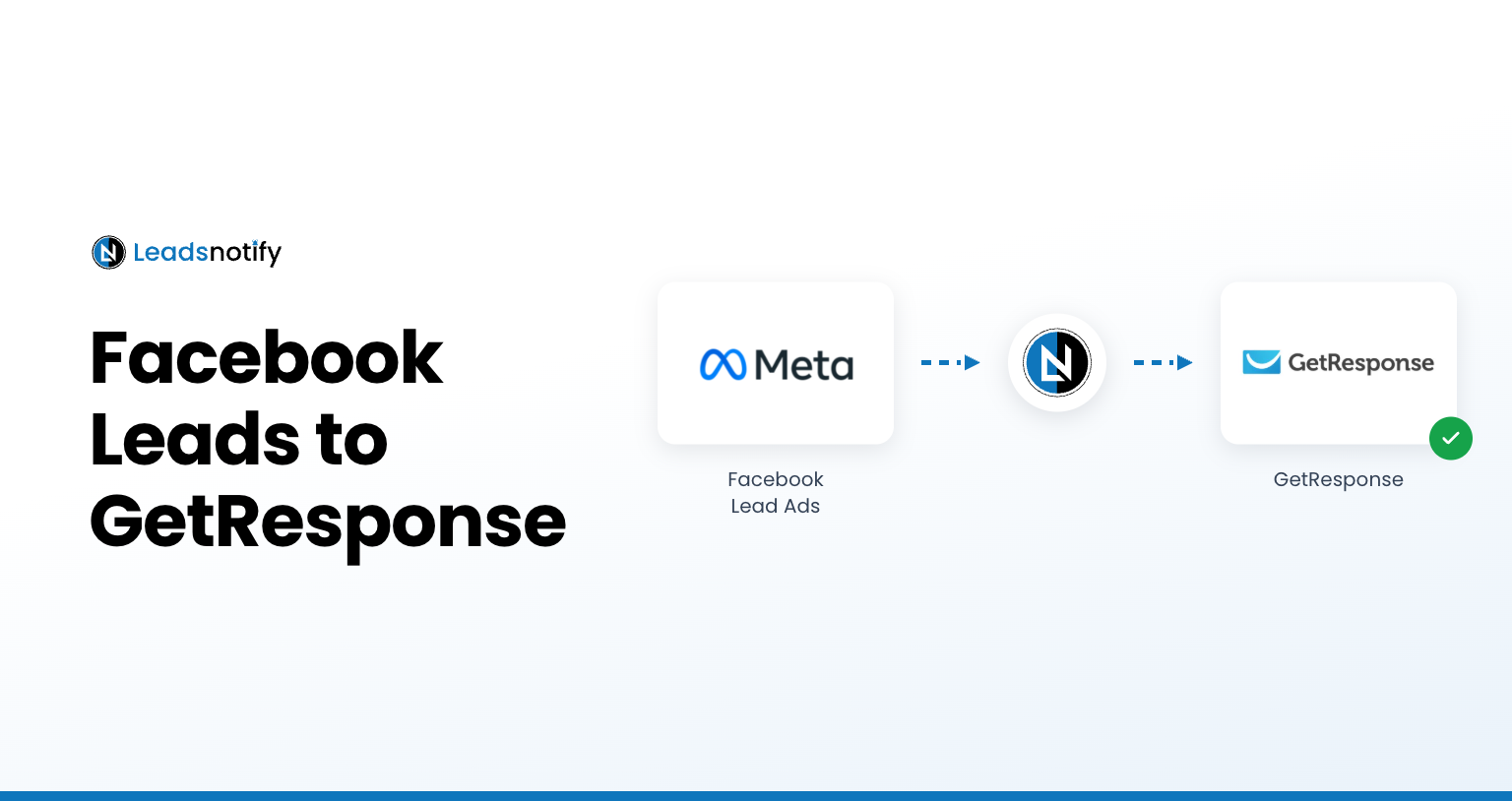
How to Connect Facebook Lead Ads to GetResponse

Get your Facebook campaign leads directly into GetResponse using Leadsnotify. This Facebook Lead Ads to GetResponse integration helps you automatically send new leads from your Facebook instant forms to your GetResponse campaigns without manually copying contact information. In this guide, we’ll show you how to connect Facebook Lead Ads to GetResponse, find your GetResponse API… Continue reading How to Connect Facebook Lead Ads to GetResponse

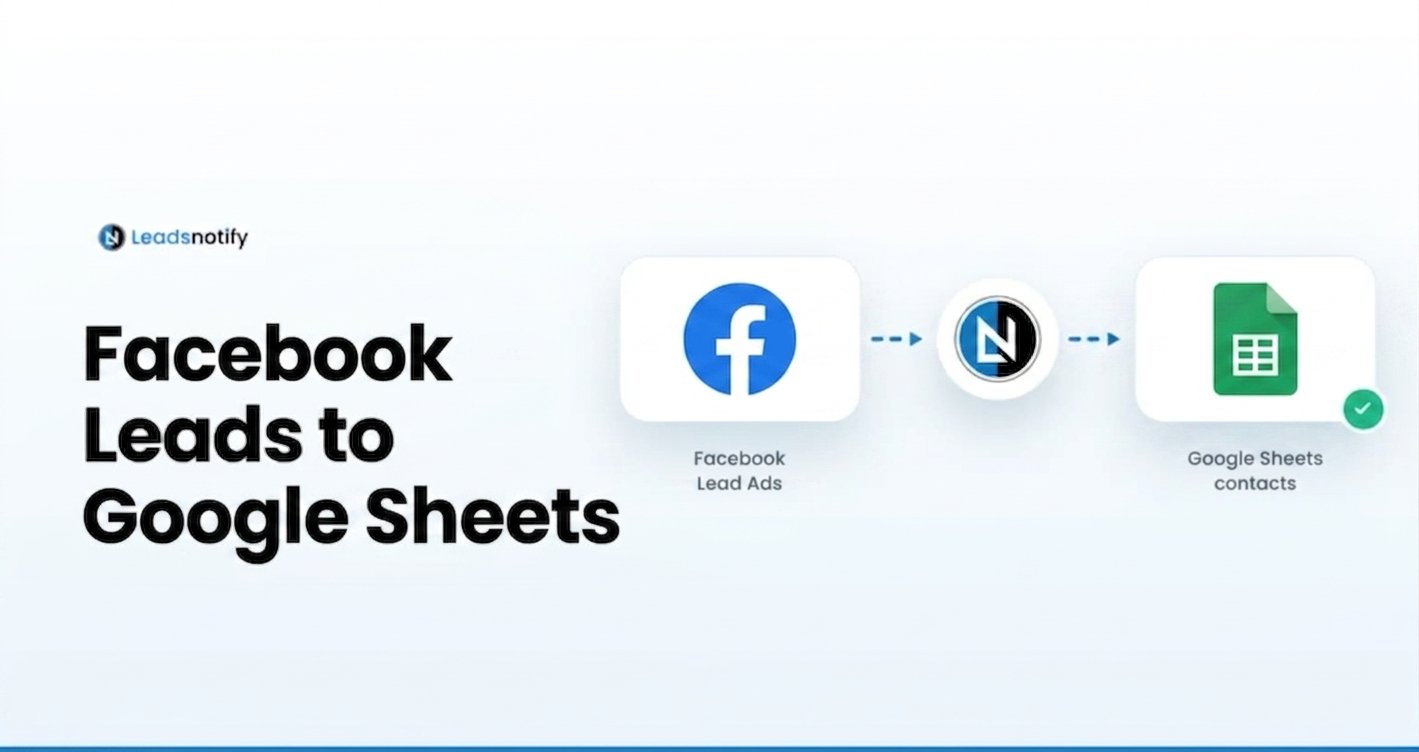
How to Get Facebook Leads to Google Sheets

Want to get Facebook leads into Google Sheets automatically? Connecting Facebook Lead Ads to Google Sheets gives your team a simple way to collect, organize, and manage new leads without manually copying contact information. In this guide, we’ll show you how to connect Facebook leads to Google Sheets using LeadsNotify. You’ll learn how to authorize… Continue reading How to Get Facebook Leads to Google Sheets

How to Download Leads from Facebook Lead Ad

Learn how to download leads from Facebook Lead Ads, find your submissions in Meta Business Suite, export Facebook leads as a CSV file, and automate new lead notifications with LeadsNotify.

Facebook CRM Integration: Connect Facebook Leads to Your CRM

Learn how Facebook CRM integration works and how to connect Facebook Lead Ads with your CRM to automatically organize and manage new leads with LeadsNotify.

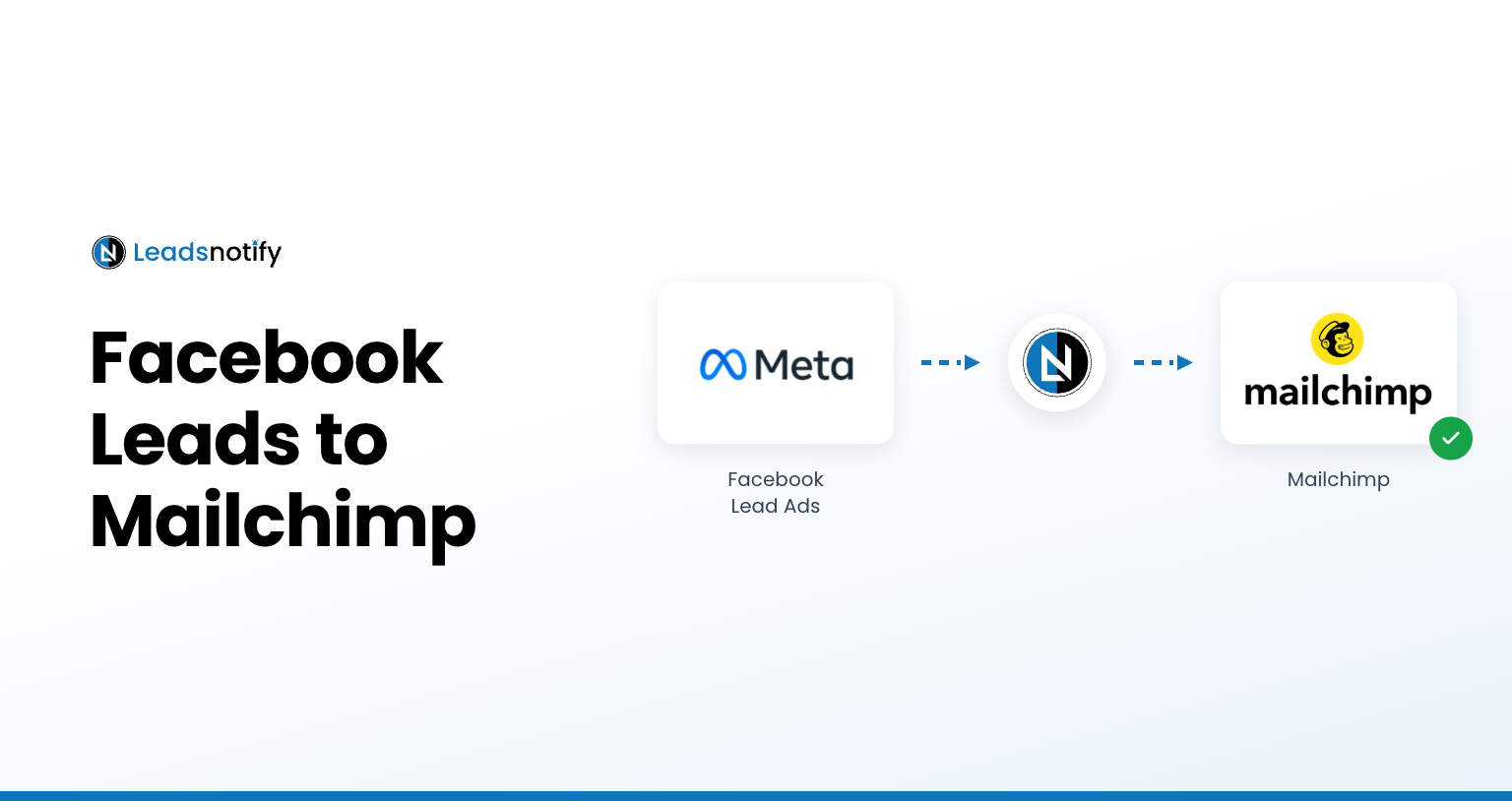
How to Connect Facebook Lead Ads to Mailchimp

Connect Facebook Lead Ads to Mailchimp with LeadsNotify. Learn how to authenticate Mailchimp, select an audience, map lead fields, and test the integration.