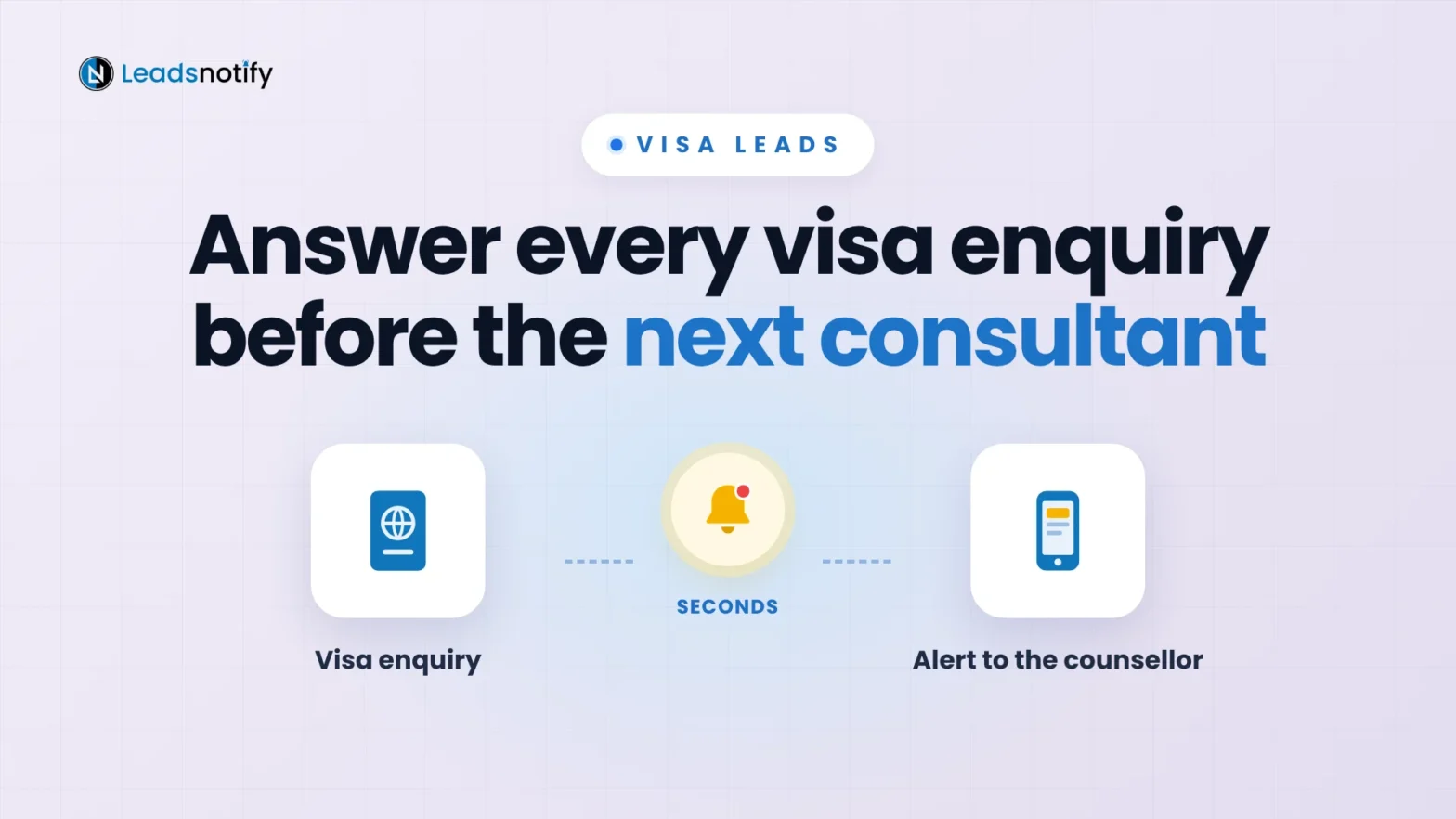
Where visa and immigration consultants get leads, what to ask on the form, and how to get every enquiry to the right counsellor before the next consultant replies.
Where visa and immigration consultants get leads, what to ask on the form, and how to get every enquiry to the right counsellor before the next consultant replies.
How to get real estate leads from four sources that work, and the simple system top agents use to convert them before another agent calls.
What speed to lead is, what the research really says about the 5-minute rule, and how to get every lead ad to the right person in seconds.
Get every Google Ads lead form submission in your inbox within seconds. Connect the webhook Google Ads already offers, choose the fields, test it, and fix the common problems. No code, free plan included.
Get every TikTok Lead Generation lead in your inbox the second it is submitted. The five-step setup in LeadsNotify, which fields to include, how to test it, and what to do when an alert does not arrive.
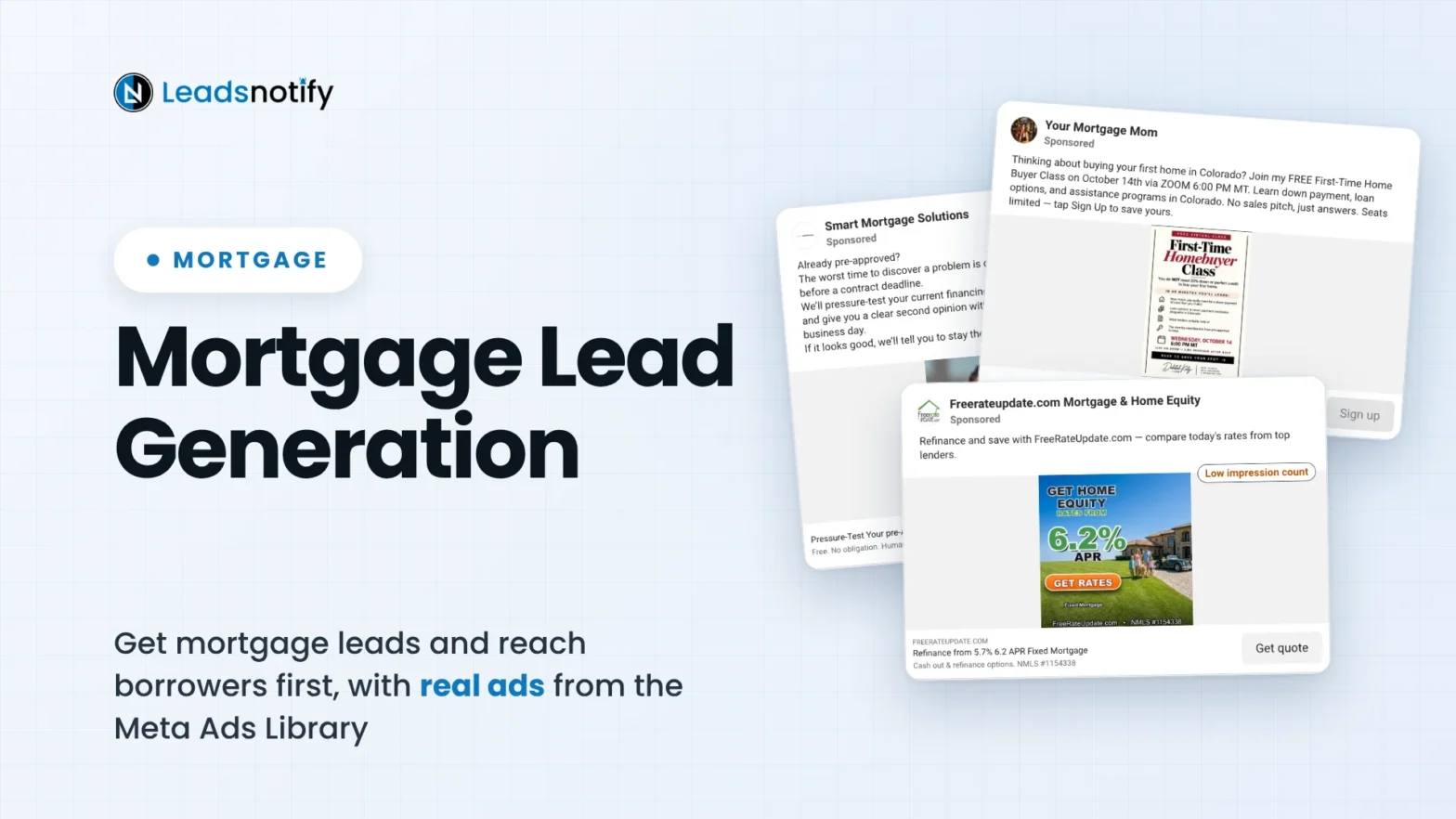
Where mortgage leads come from, real lender ads running now, the Meta ad rules for financial services, and the follow-up that reaches borrowers first.
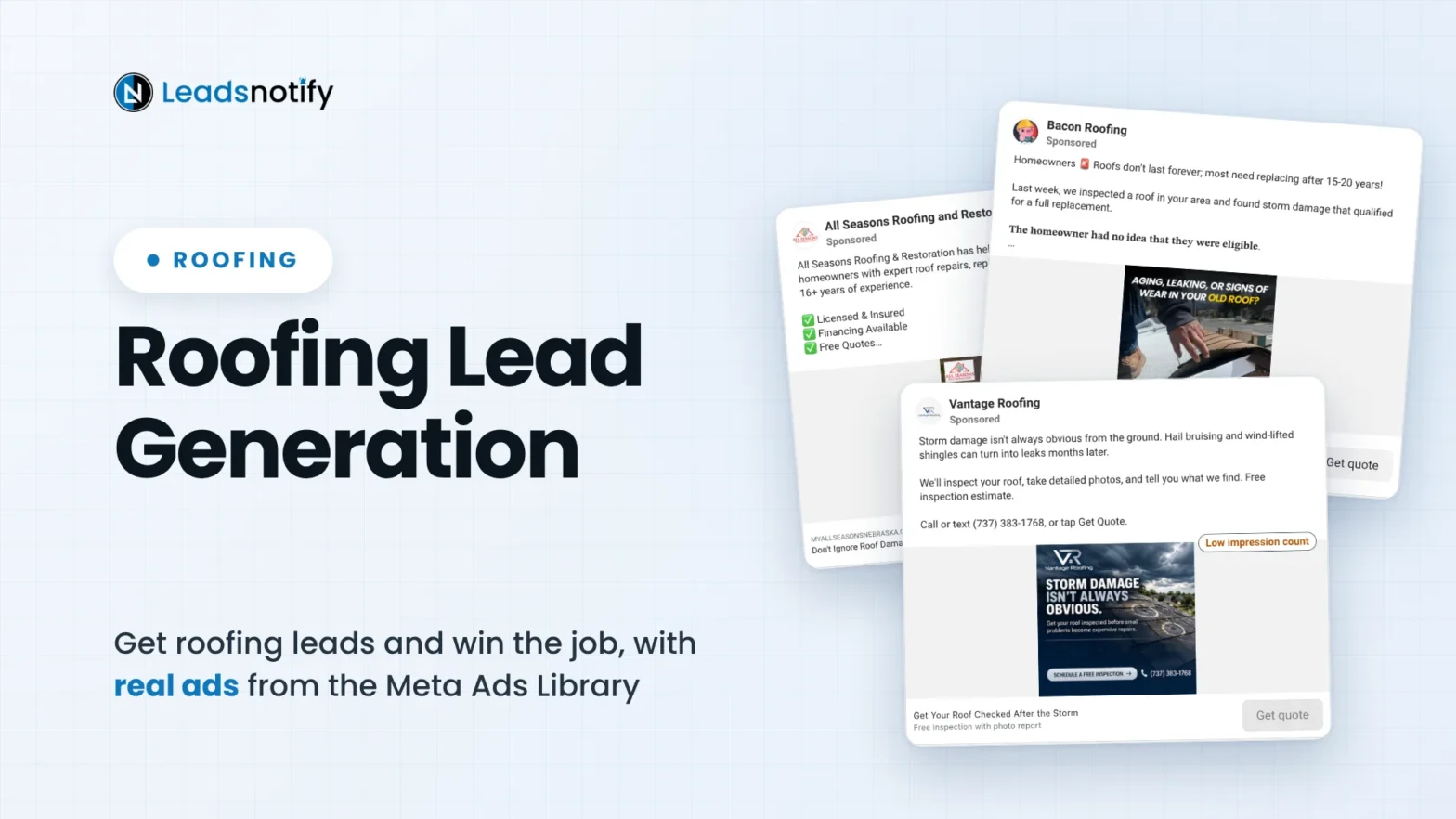
Where roofing leads come from, real roofing ads to learn from, and the follow-up system that books the inspection before another roofer calls back.
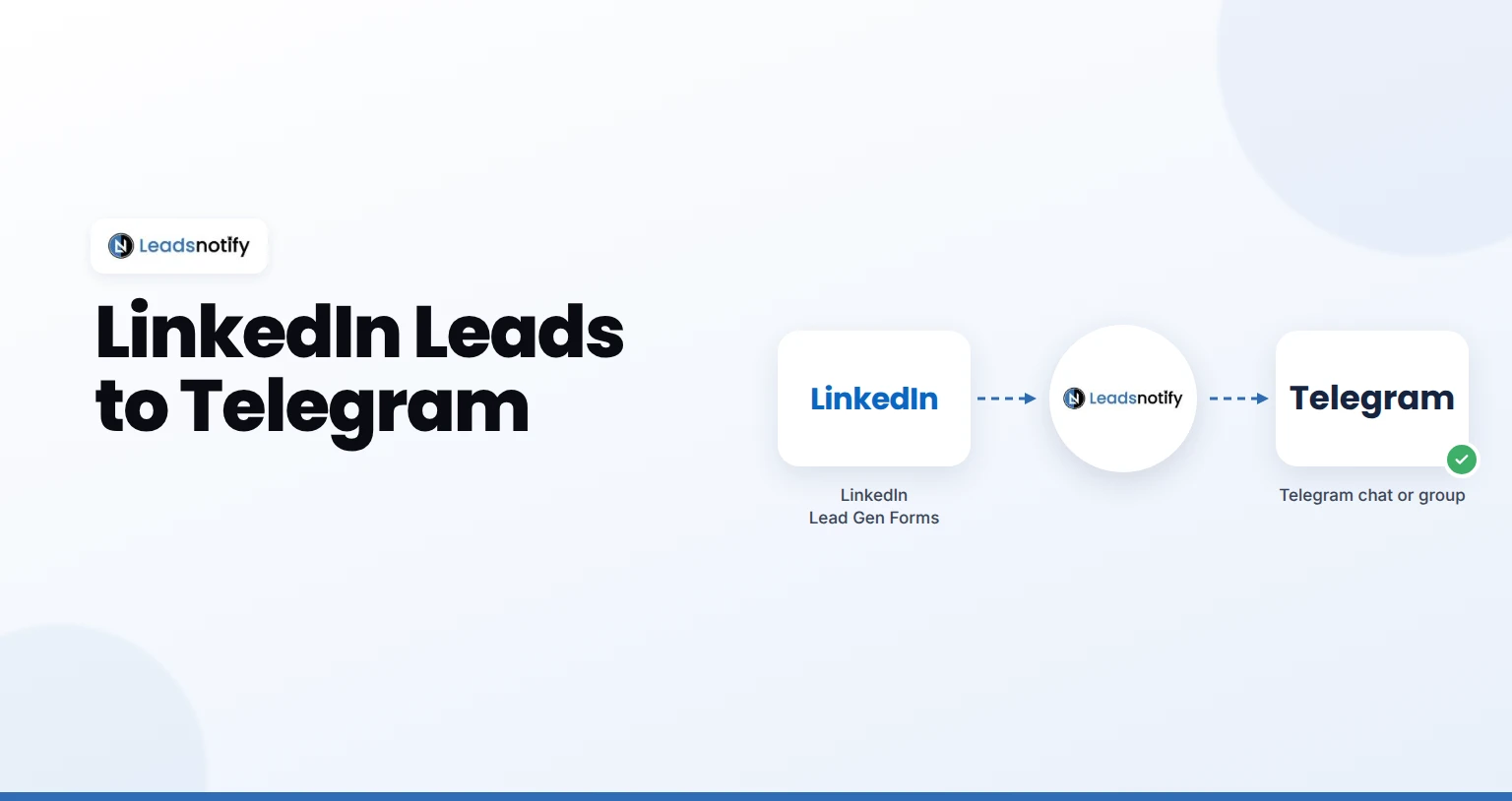
Send LinkedIn leads to Telegram automatically. Connect your Page, connect your chat or group, map fields and test it with LeadsNotify in about 5 minutes.
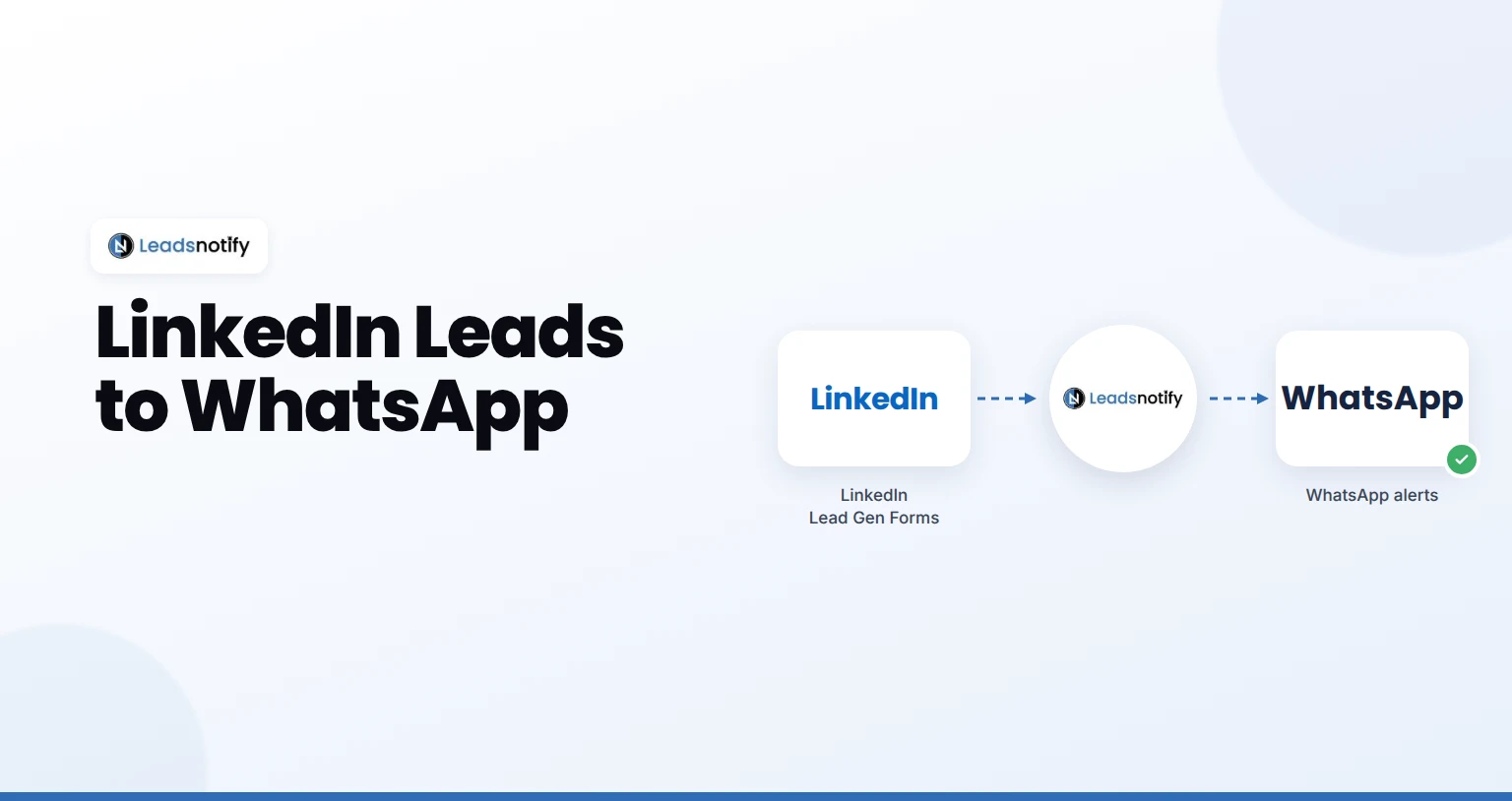
Send LinkedIn leads to WhatsApp automatically. Connect your Page, verify your number, map fields and test it with LeadsNotify in about 5 minutes.
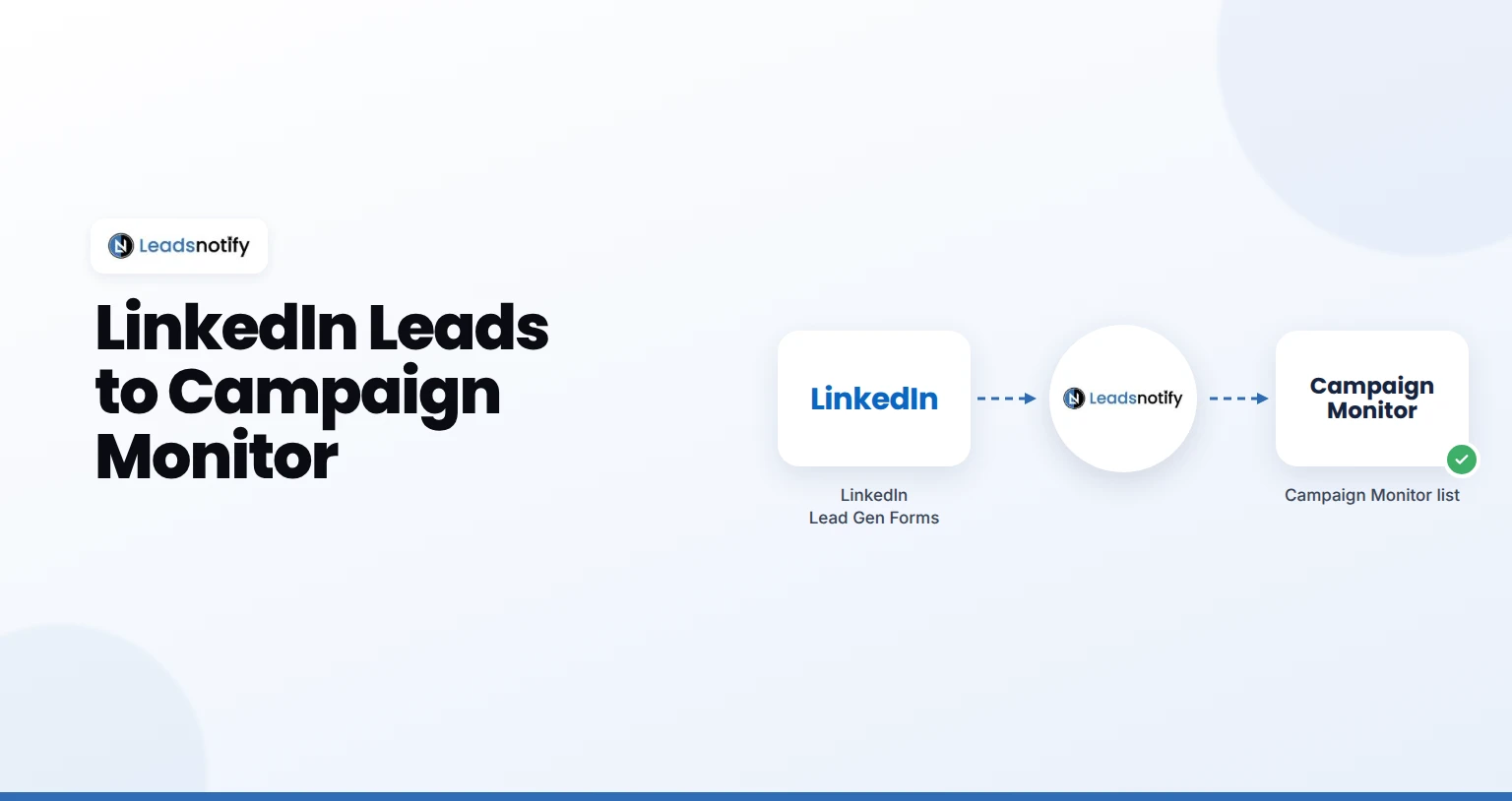
Send LinkedIn leads to Campaign Monitor automatically. Connect your Page, add your Campaign Monitor key and test it with LeadsNotify in 5 minutes.