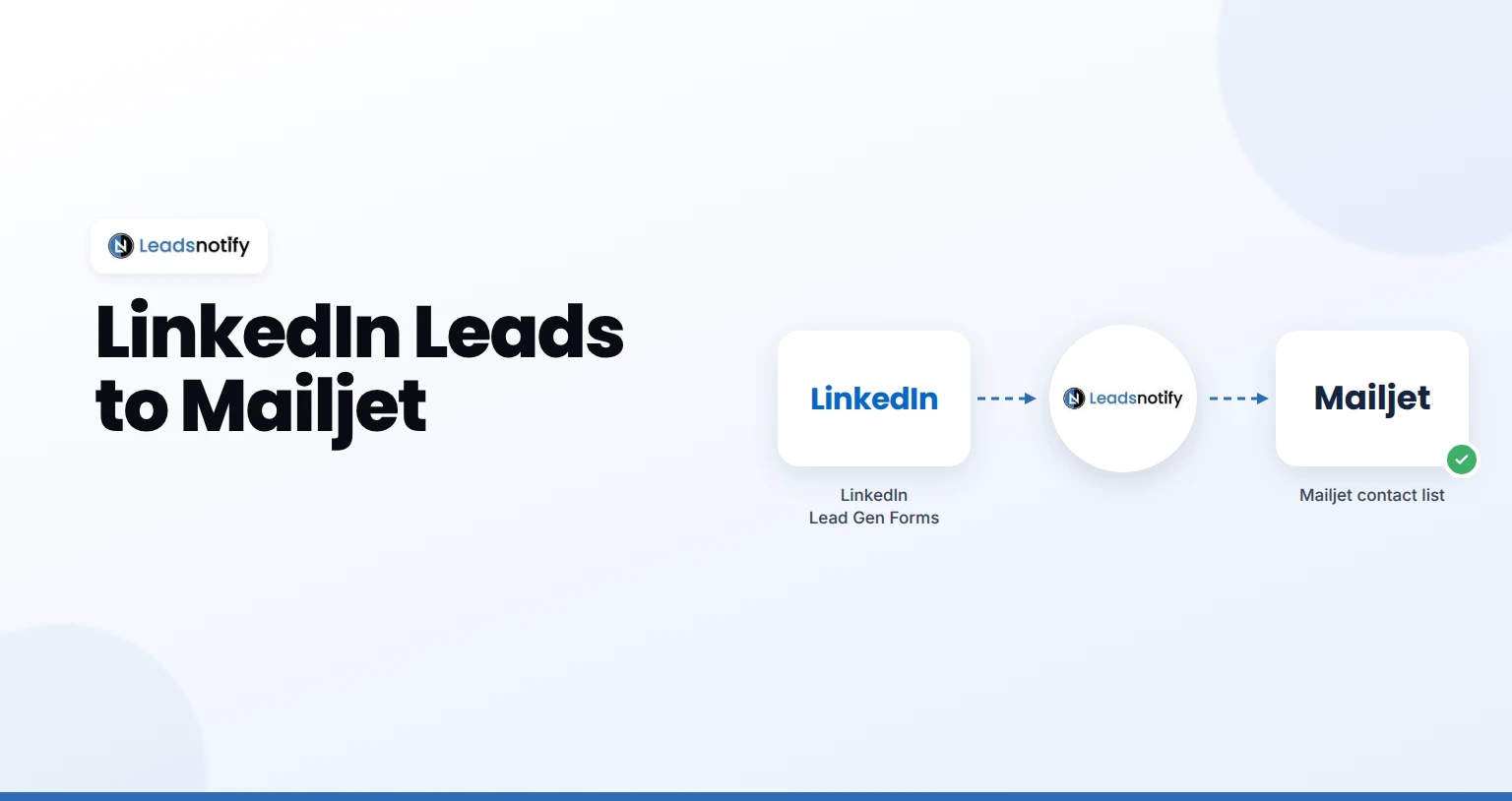
Send LinkedIn leads to Mailjet automatically. Connect your Page, add your Mailjet key, map fields and test it with LeadsNotify in about 5 minutes.
Send LinkedIn leads to Mailjet automatically. Connect your Page, add your Mailjet key, map fields and test it with LeadsNotify in about 5 minutes.
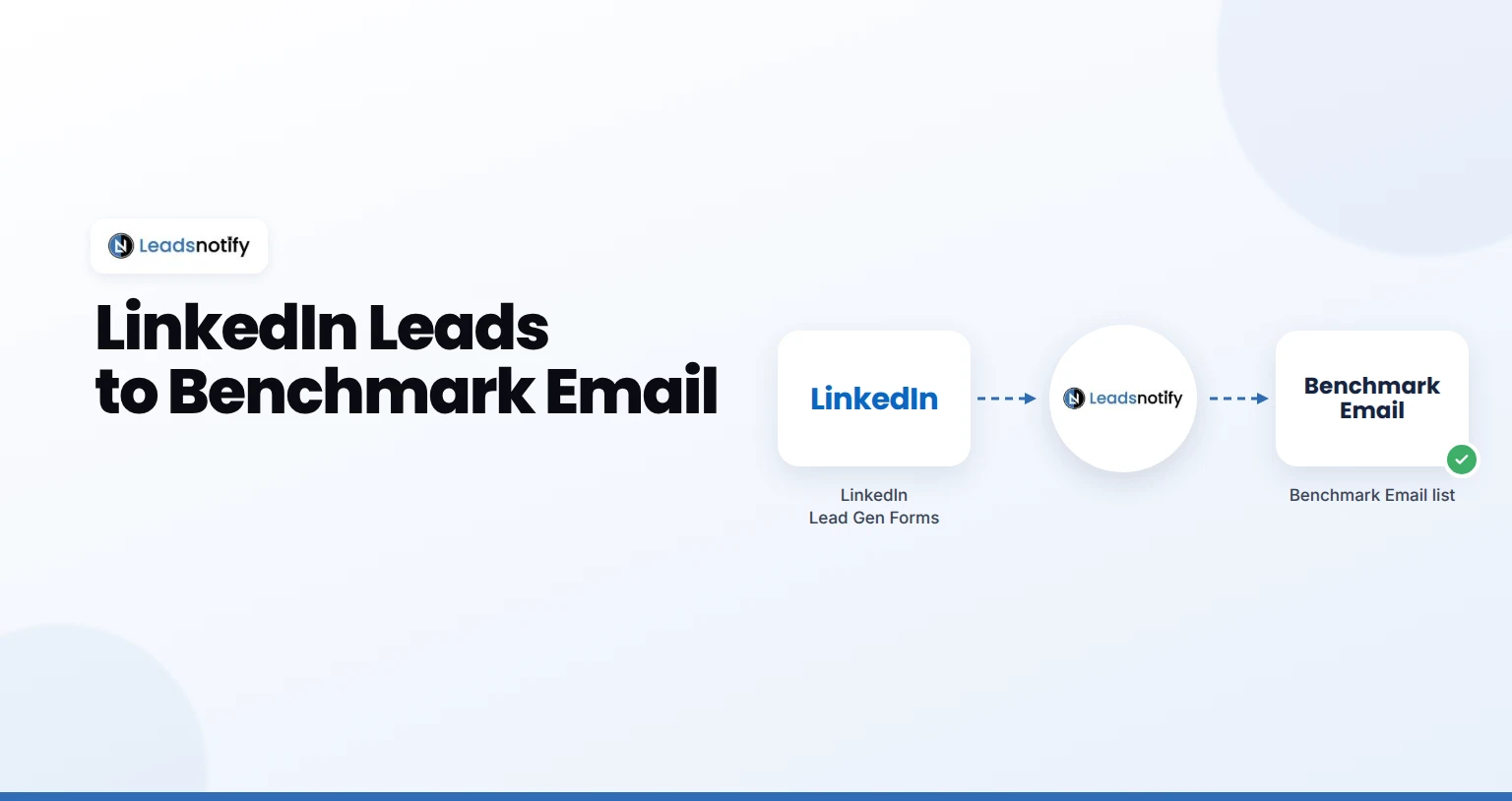
Send LinkedIn leads to Benchmark Email automatically. Connect your Page, add your Benchmark Email key and test it with LeadsNotify in 5 minutes.
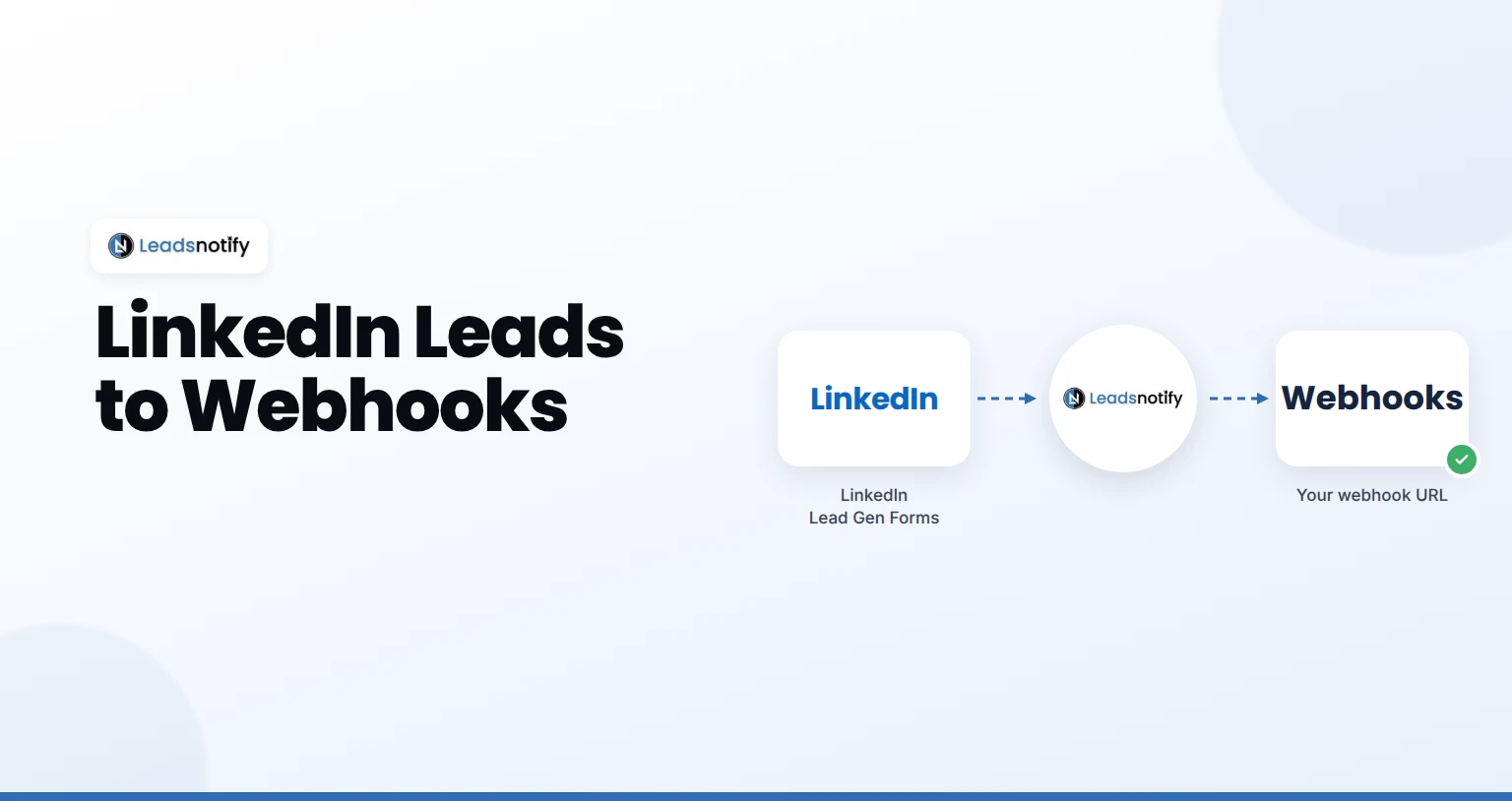
Send every new LinkedIn lead to your own URL as a POST request. Set up a LinkedIn Lead Gen Forms webhook with LeadsNotify, no API access needed.
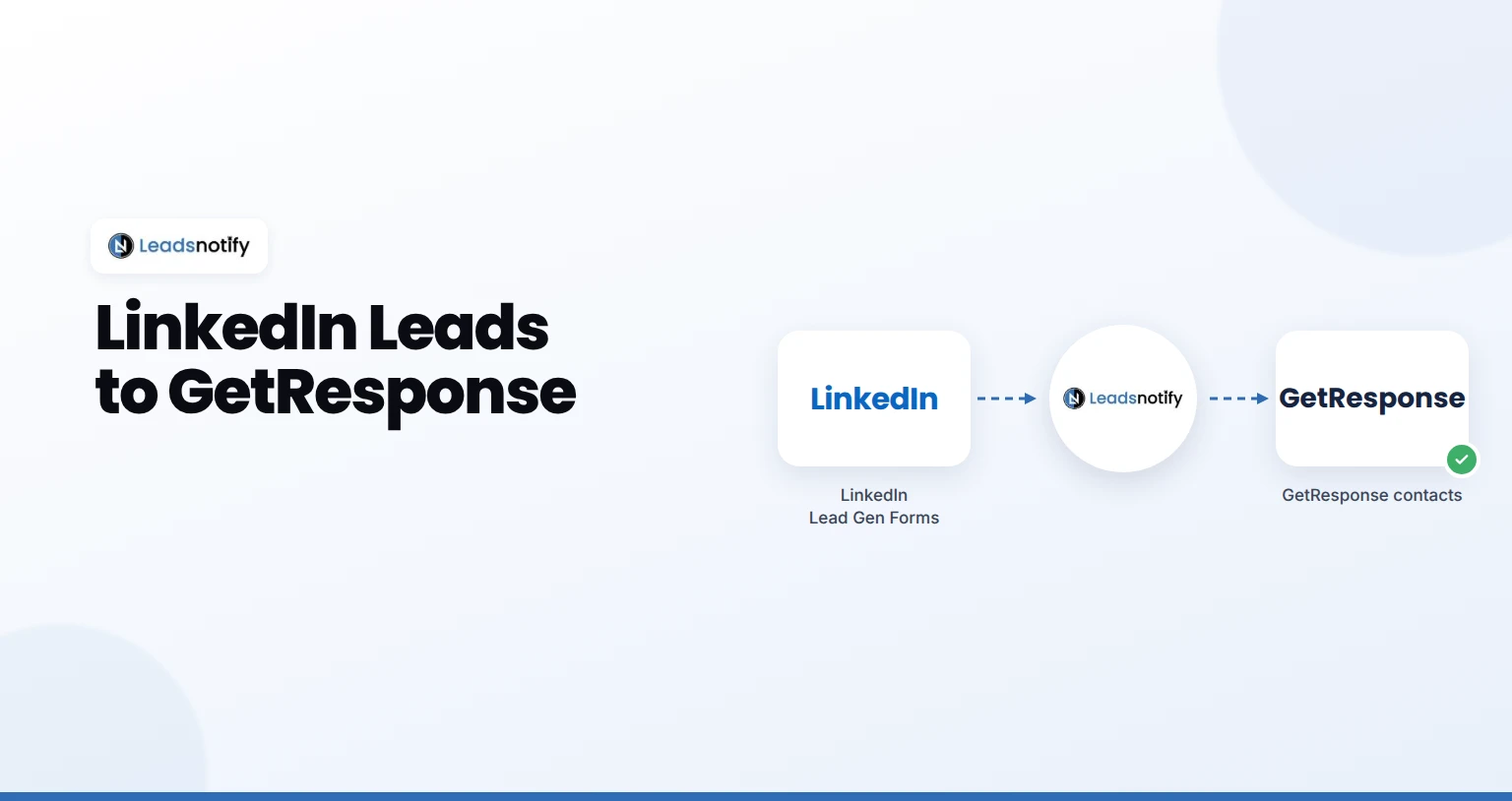
Send LinkedIn leads to GetResponse automatically. Connect your Page, add your GetResponse key, map fields and test it with LeadsNotify in about 5 minutes.
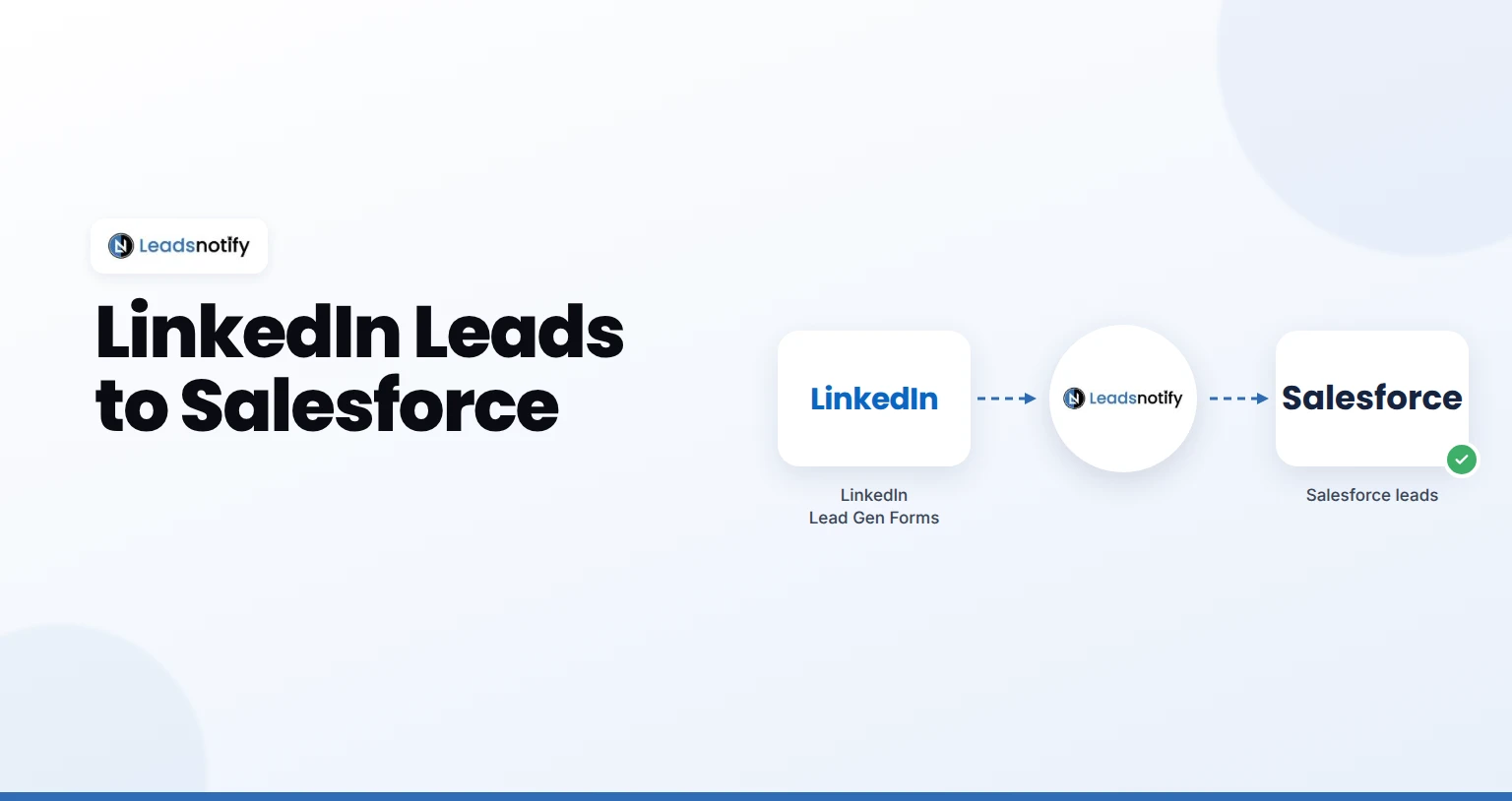
Send LinkedIn leads to Salesforce automatically. Connect your Page, connect Salesforce, map fields and test it with LeadsNotify in about 5 minutes.
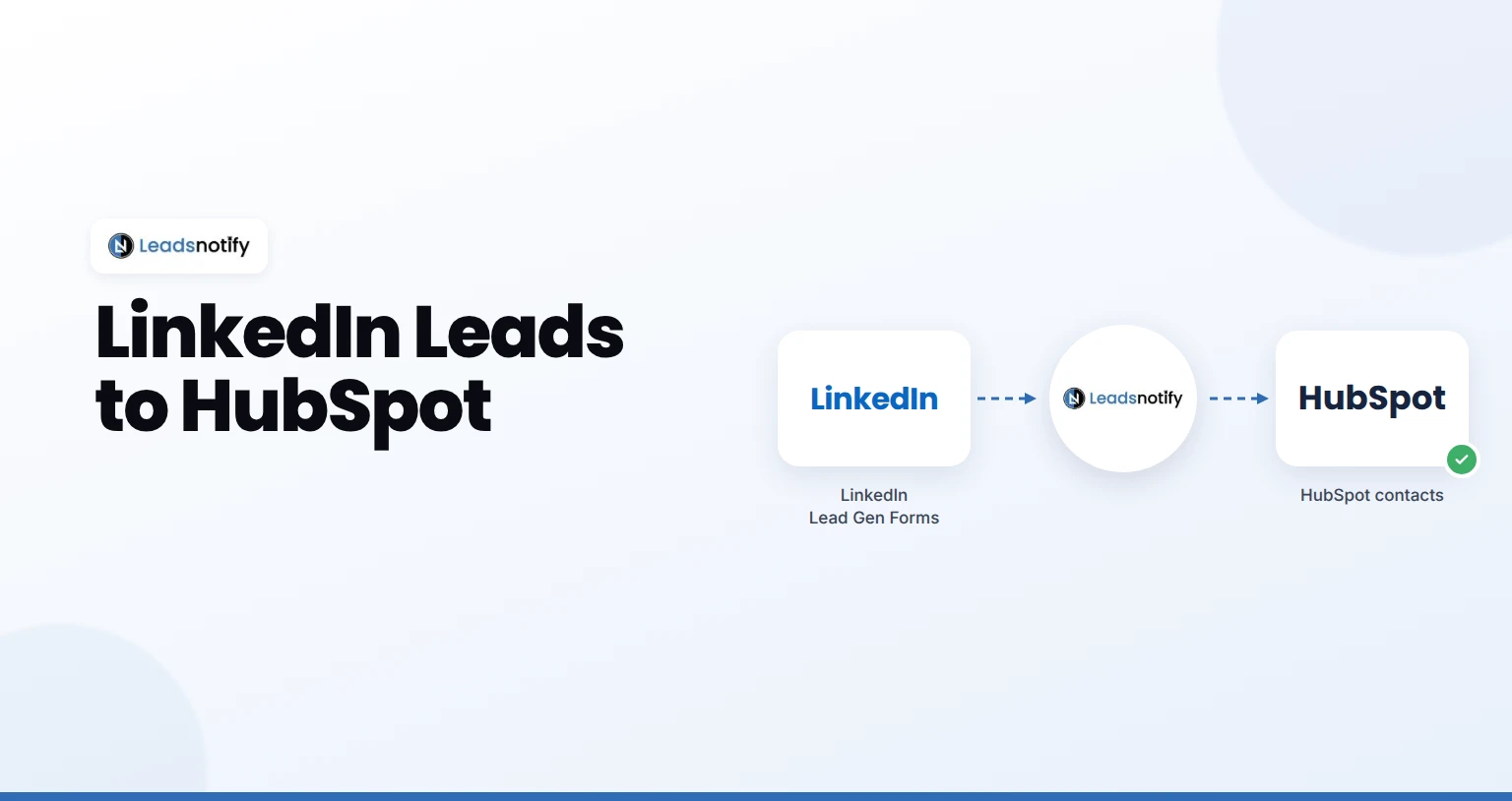
Send LinkedIn leads to HubSpot automatically. Connect your Page, connect HubSpot, map fields and test it with LeadsNotify in about 5 minutes.
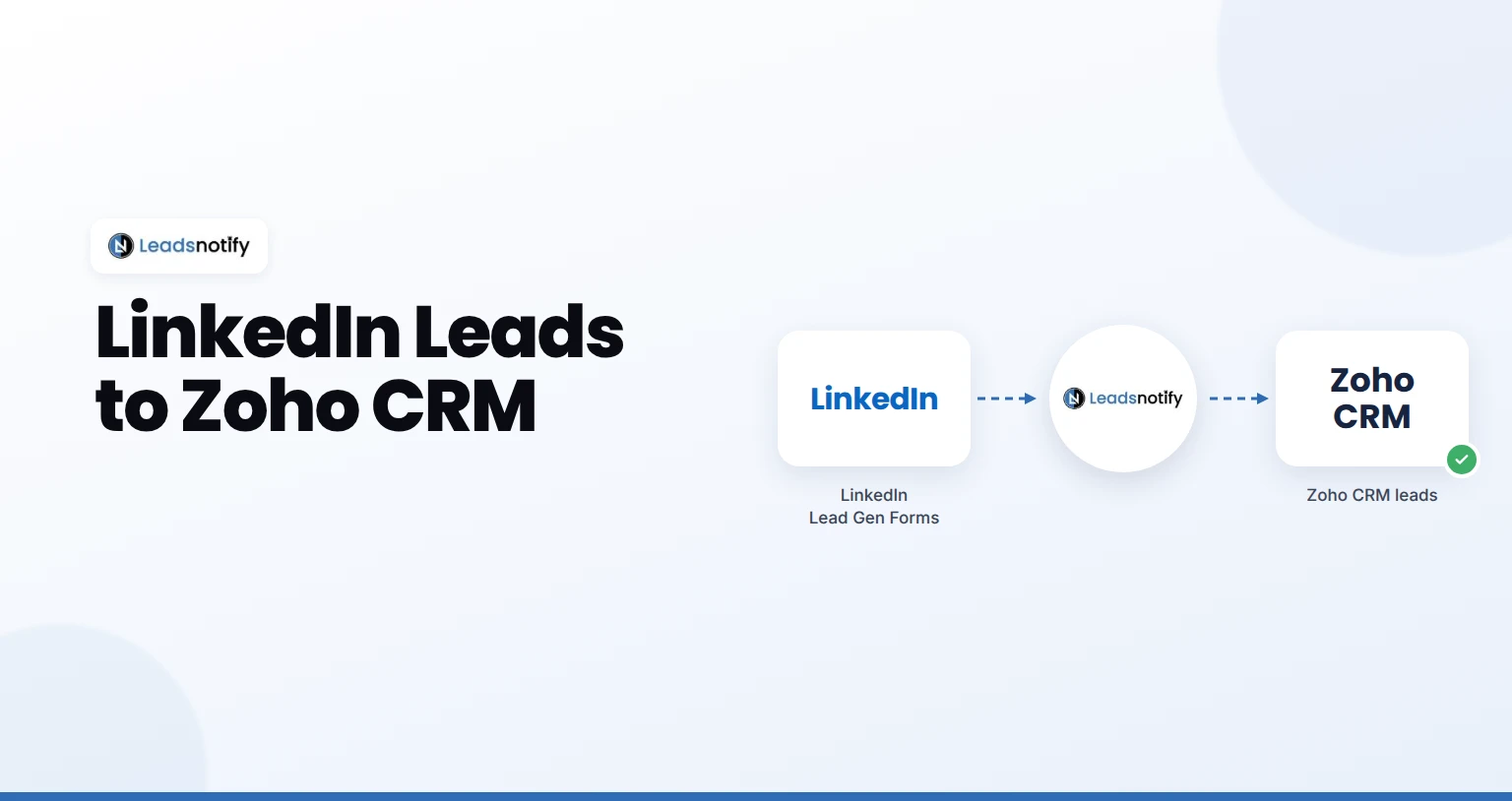
Send LinkedIn leads to Zoho CRM automatically. Connect your Page, connect Zoho CRM, map fields and test it with LeadsNotify in about 5 minutes.
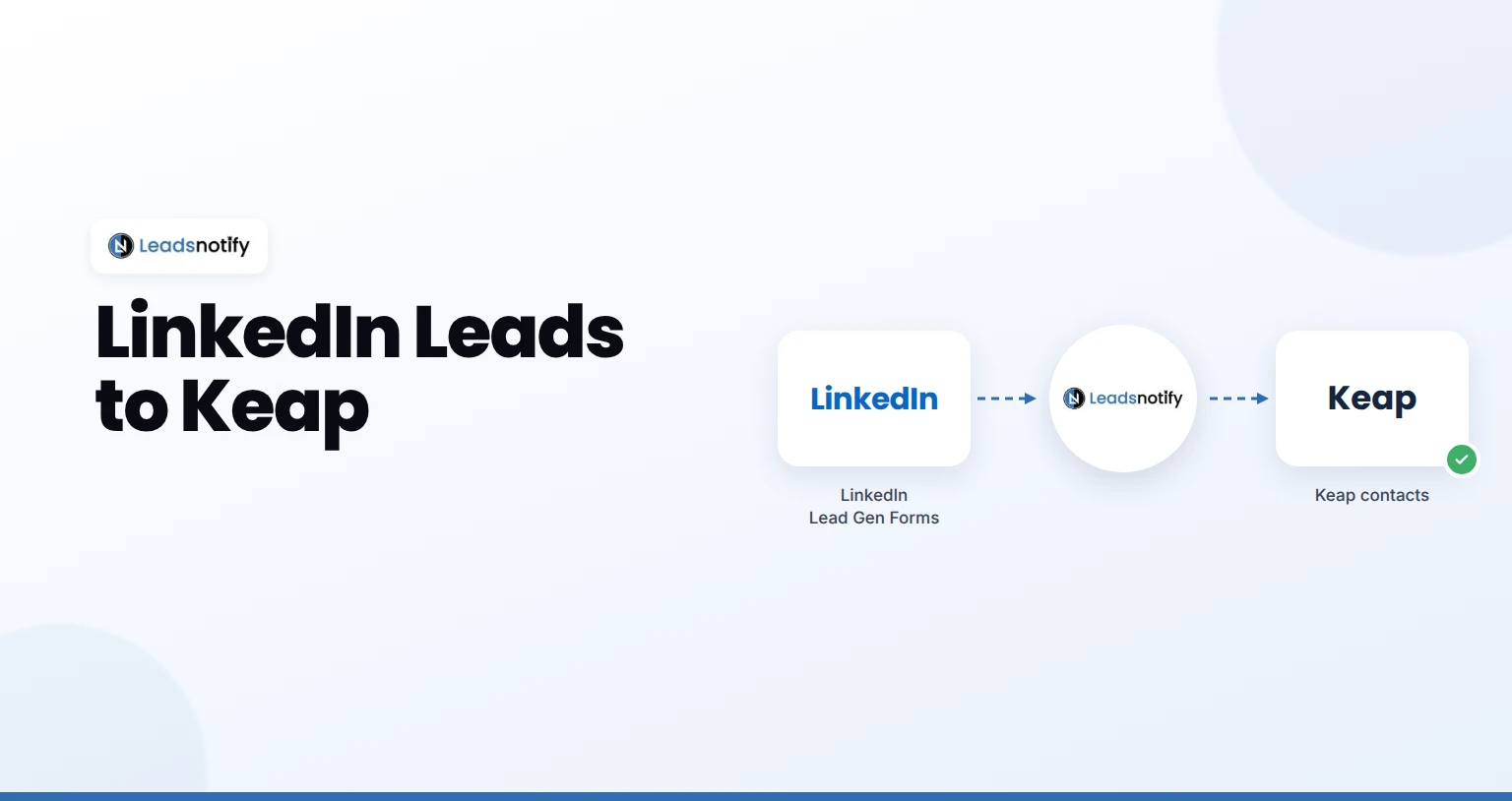
Send LinkedIn leads to Keap automatically. Connect your Page, connect Keap, map fields and test it with LeadsNotify in about 5 minutes.
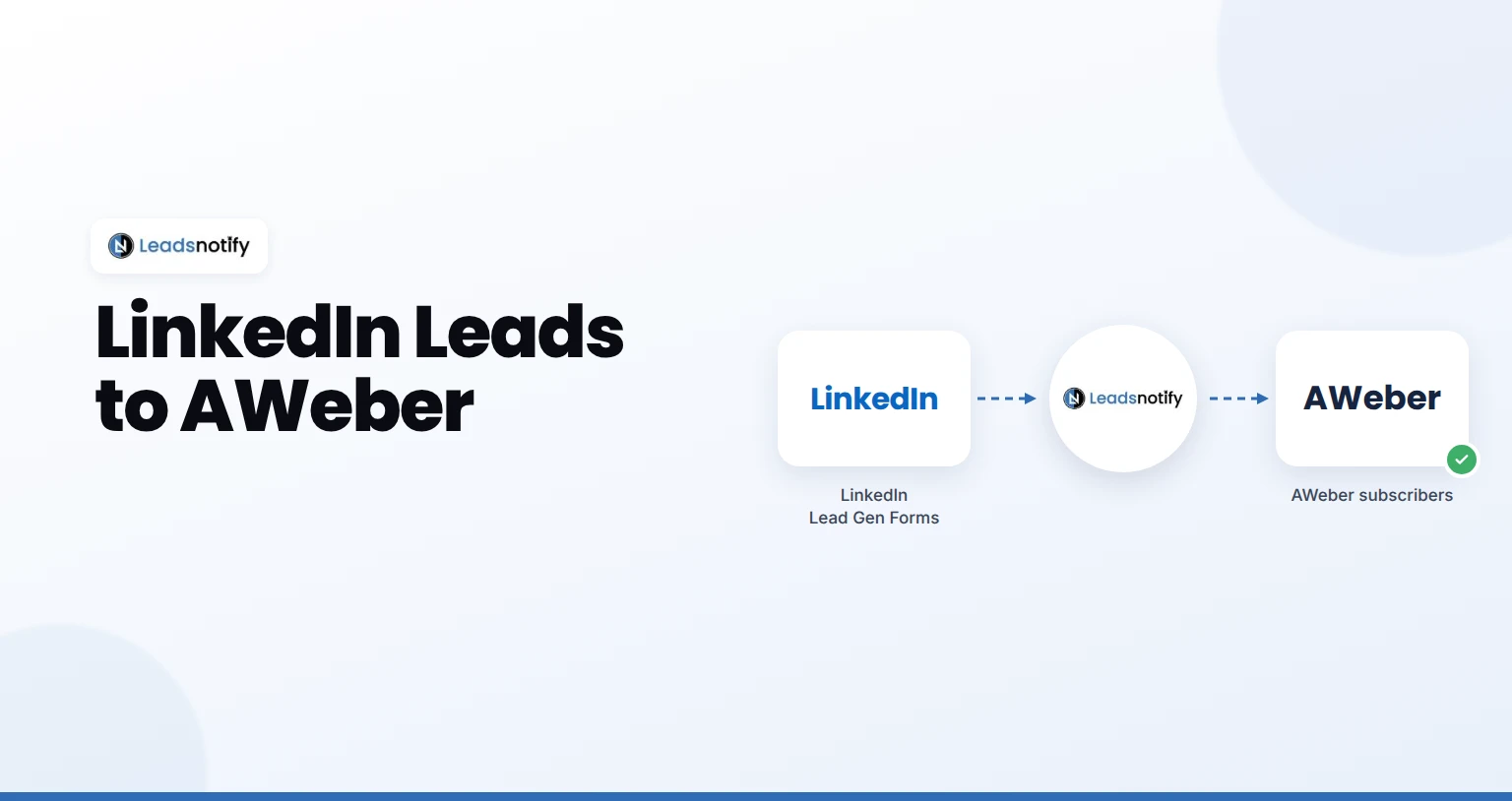
Send LinkedIn leads to AWeber automatically. Connect your Page, connect AWeber, map fields and test it with LeadsNotify in about 5 minutes.
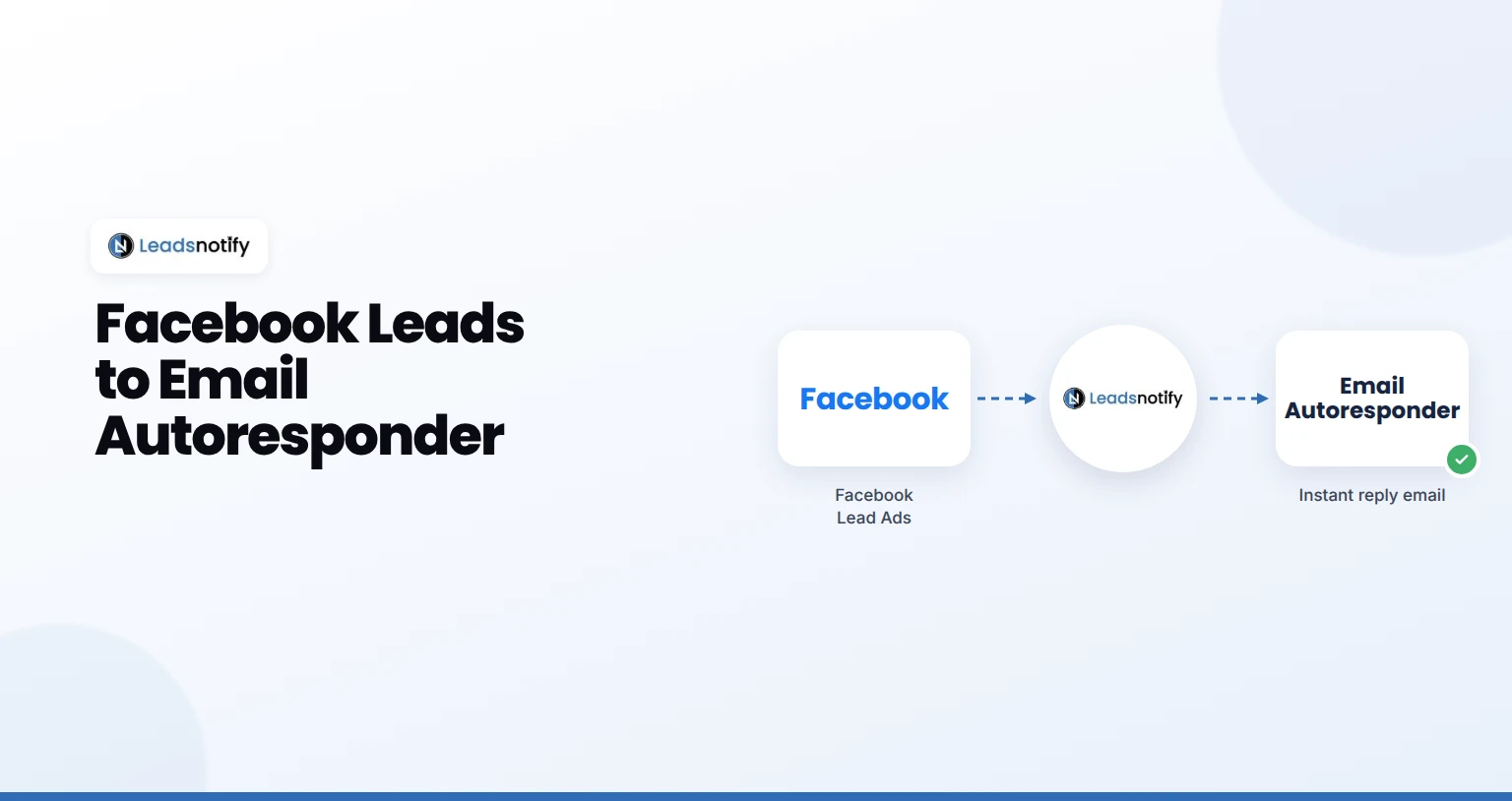
Send every new Facebook lead an instant email from your own address. Set up the LeadsNotify Email Autoresponder with SMTP in about 5 minutes.