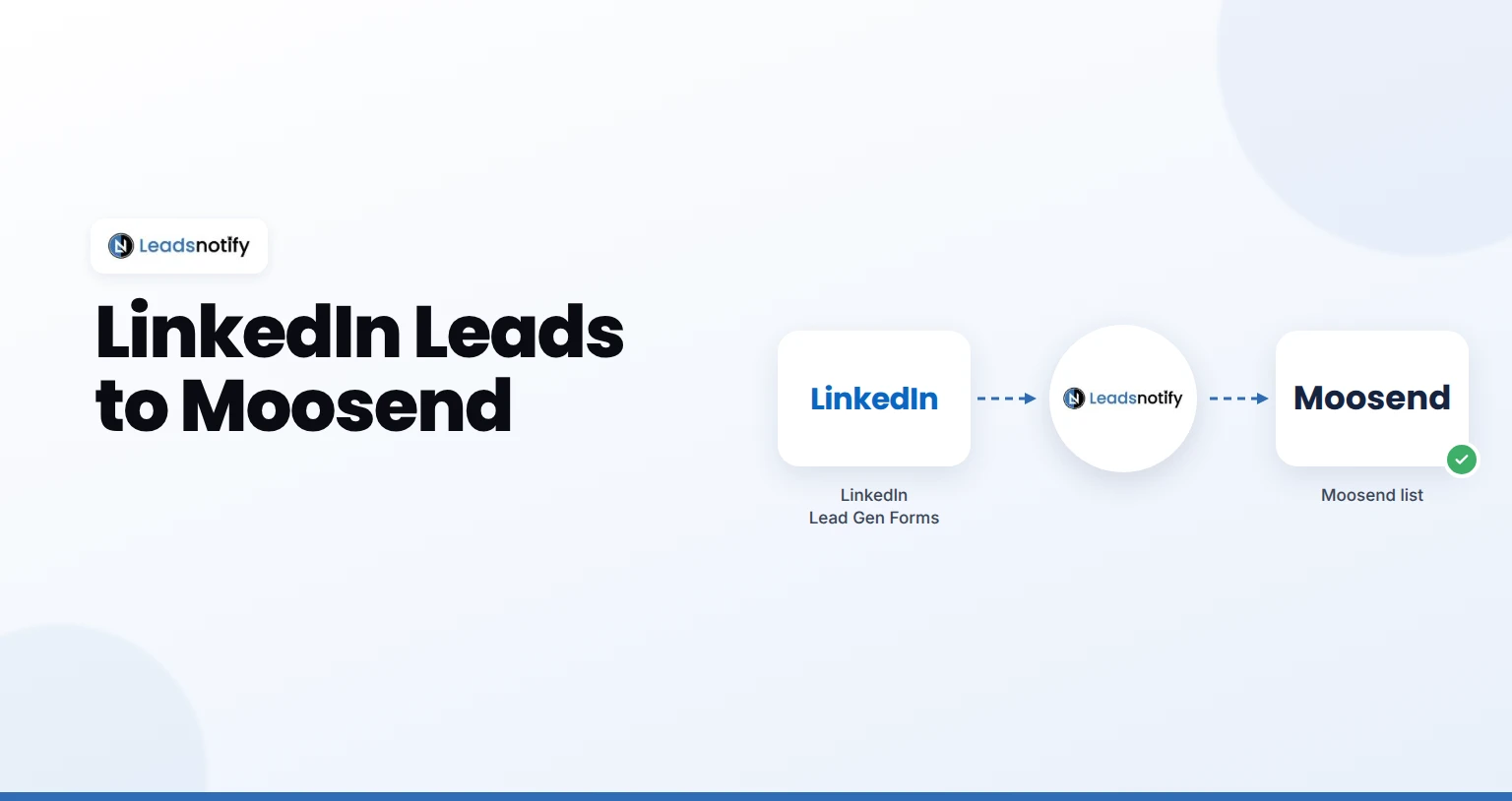
Send LinkedIn leads to Moosend automatically. Connect your Page, add your Moosend key, map fields and test it with LeadsNotify in about 5 minutes.
Send LinkedIn leads to Moosend automatically. Connect your Page, add your Moosend key, map fields and test it with LeadsNotify in about 5 minutes.
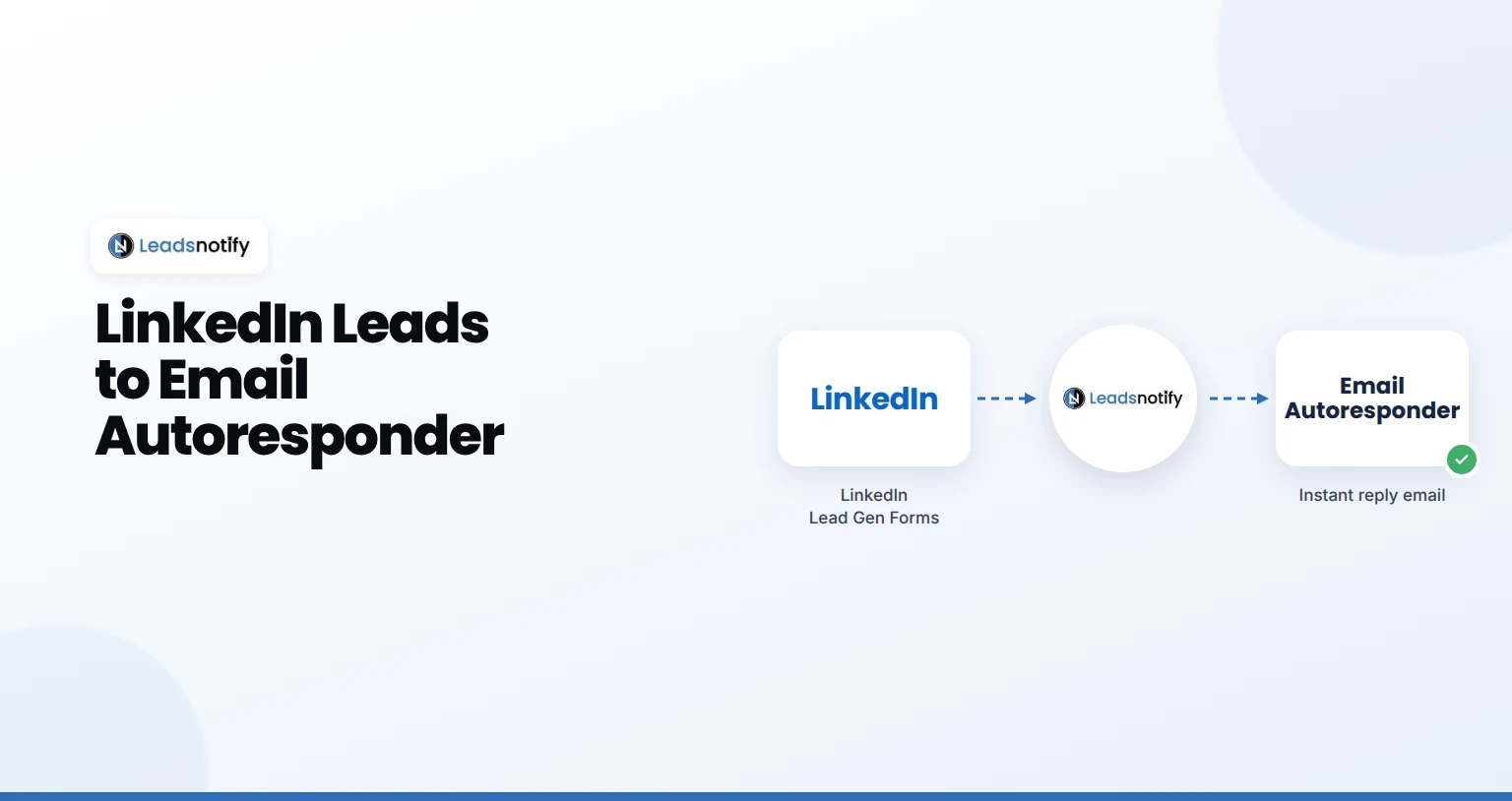
Send every new LinkedIn lead an instant email from your own address. Set up the LeadsNotify Email Autoresponder with SMTP in about 5 minutes.
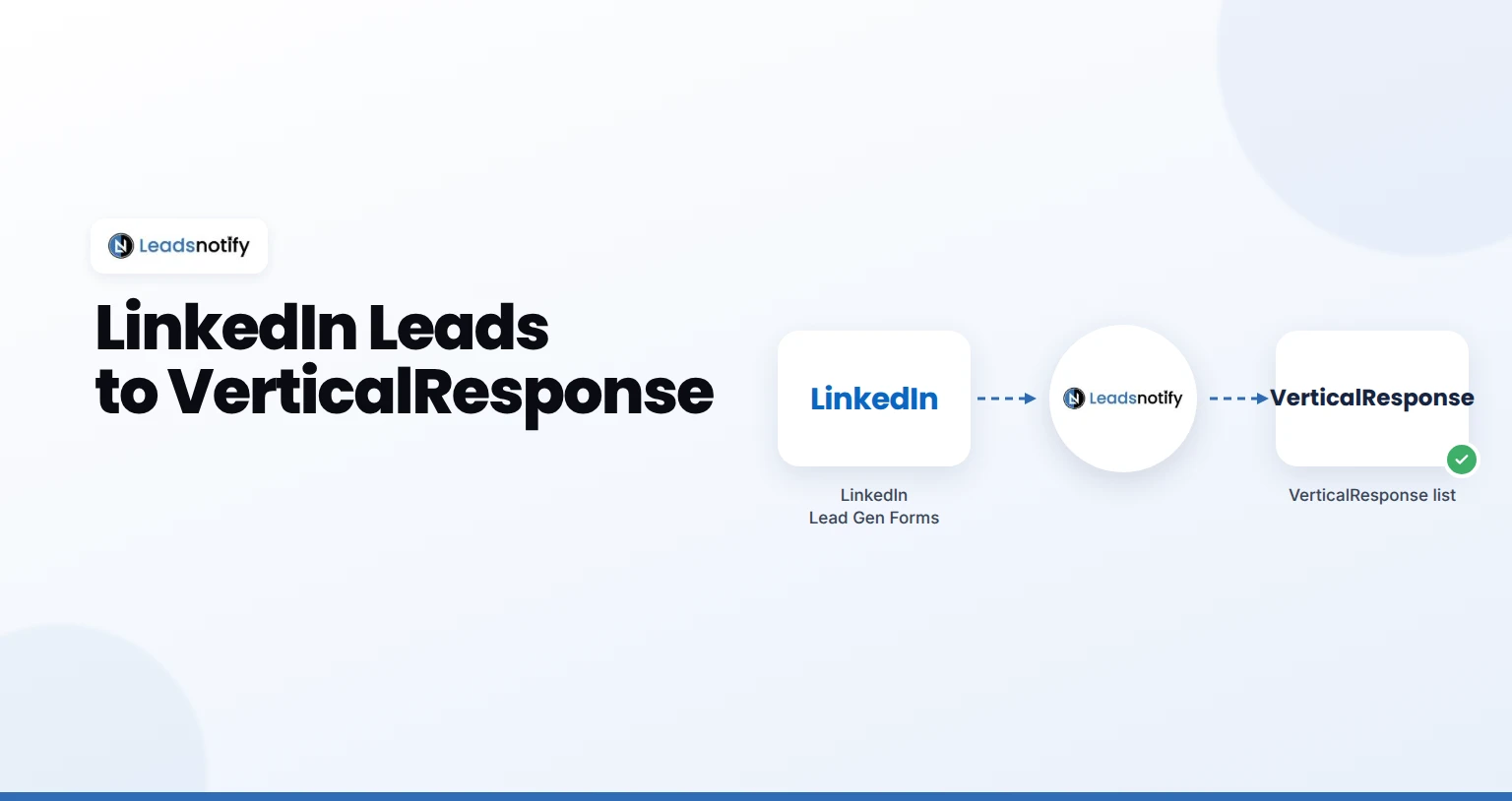
Send LinkedIn leads to VerticalResponse automatically. Connect your Page, connect VerticalResponse and test it with LeadsNotify in 5 minutes.
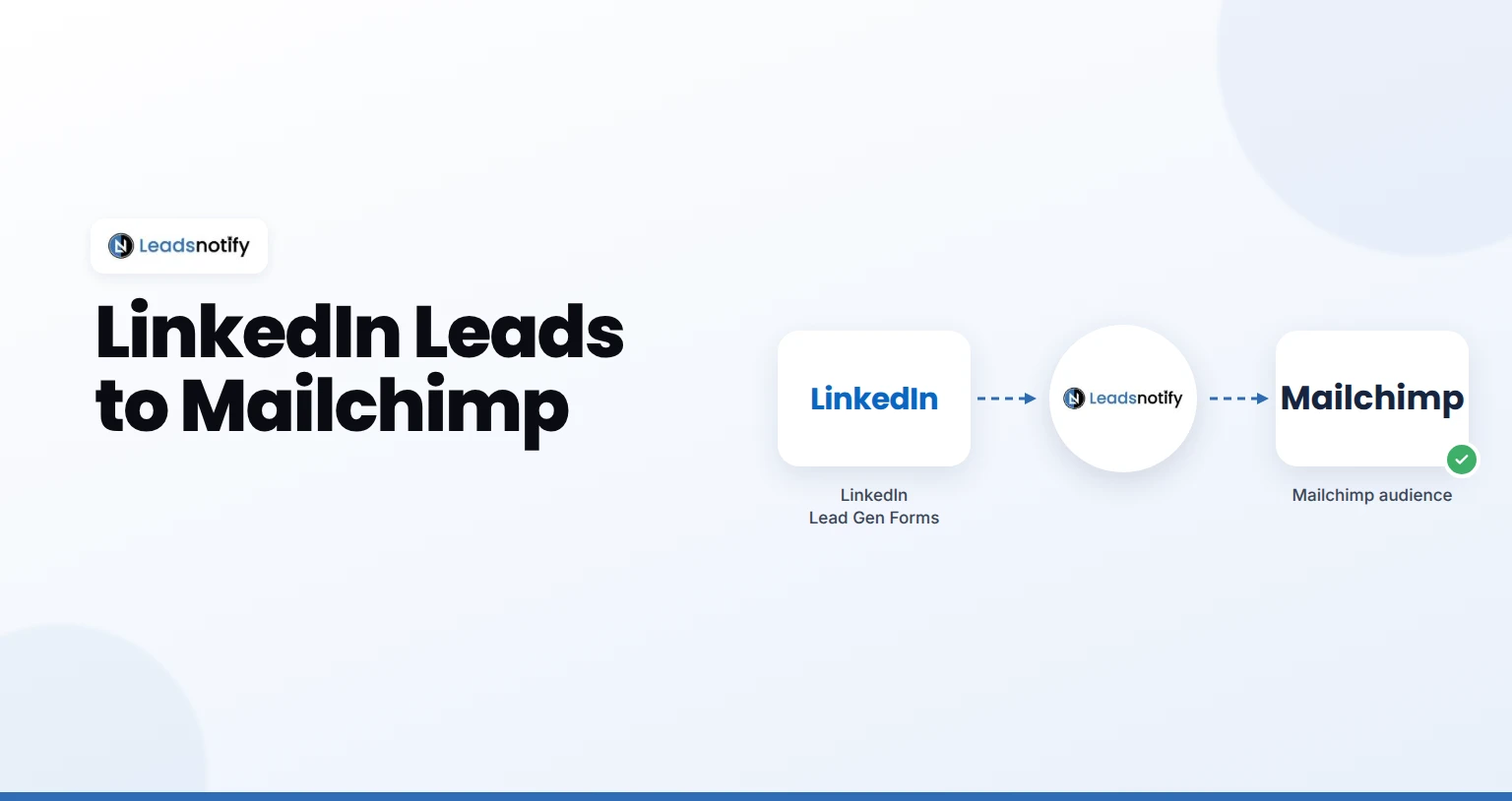
Send LinkedIn leads to Mailchimp automatically. Connect your Page, add your Mailchimp key, map fields and test it with LeadsNotify in about 5 minutes.
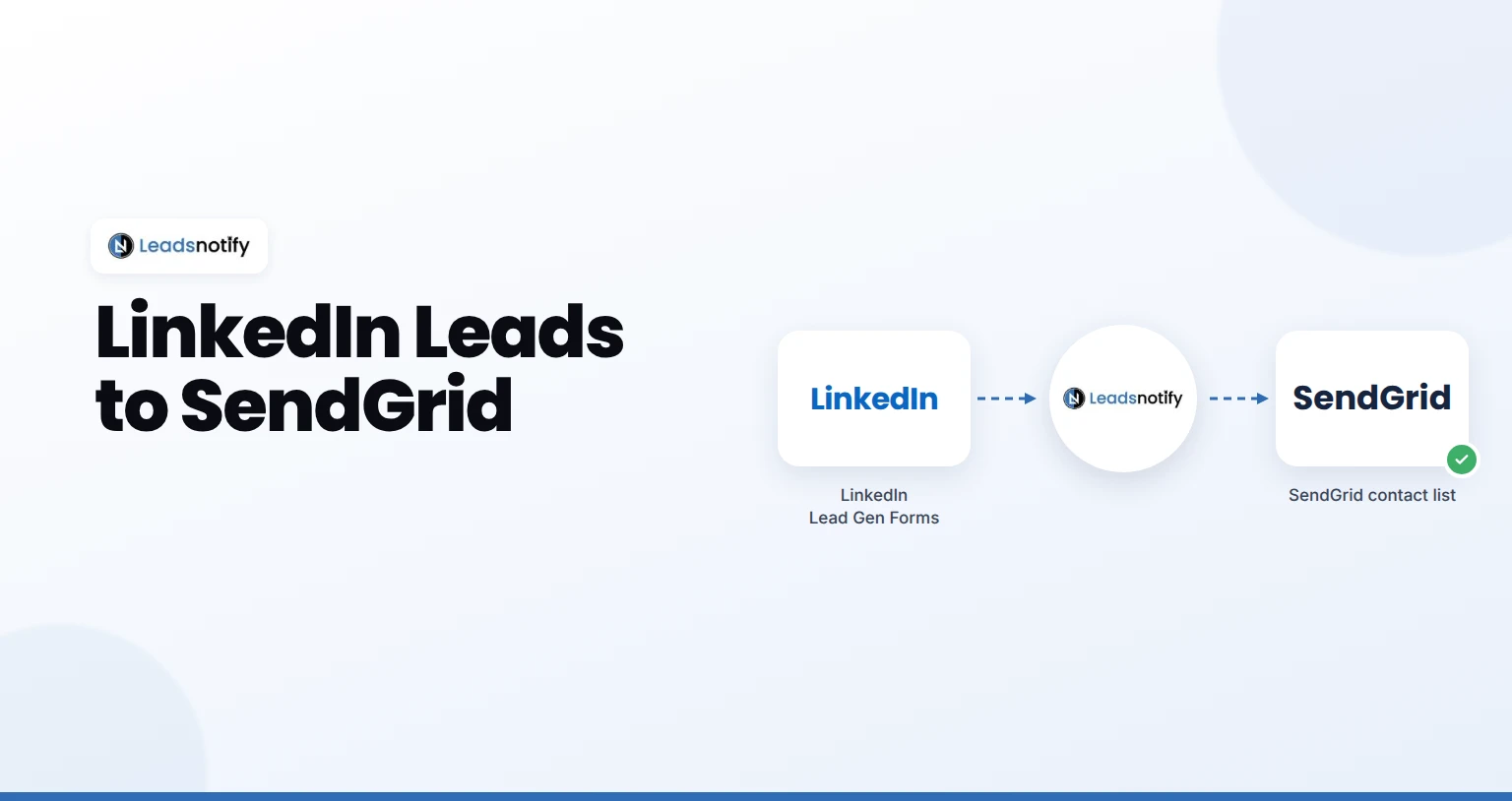
Send LinkedIn leads to SendGrid automatically. Connect your Page, add your SendGrid key, map fields and test it with LeadsNotify in about 5 minutes.
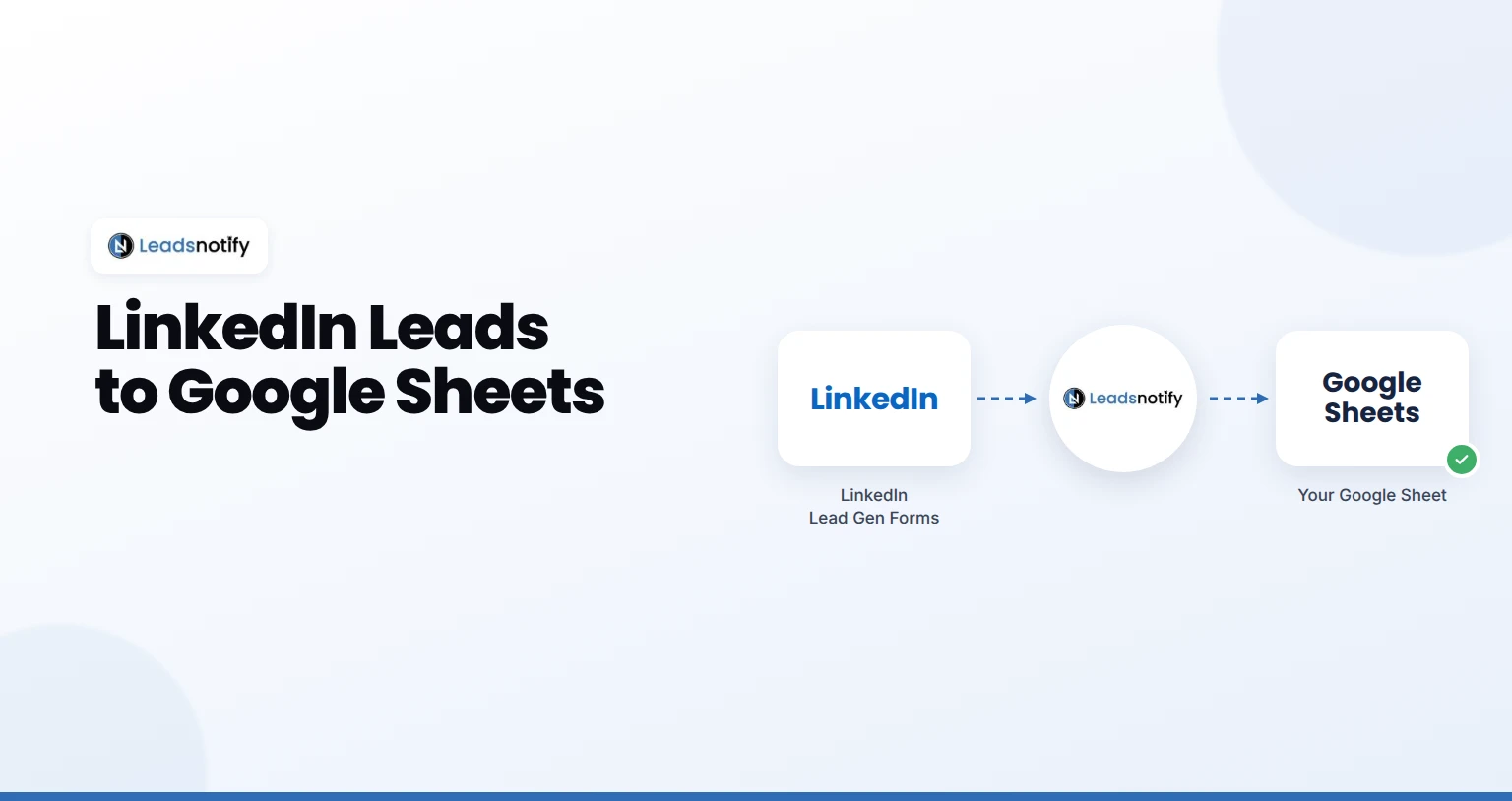
Send LinkedIn leads to Google Sheets automatically. Connect your Page, connect your sheet, map fields and test it with LeadsNotify in about 5 minutes.
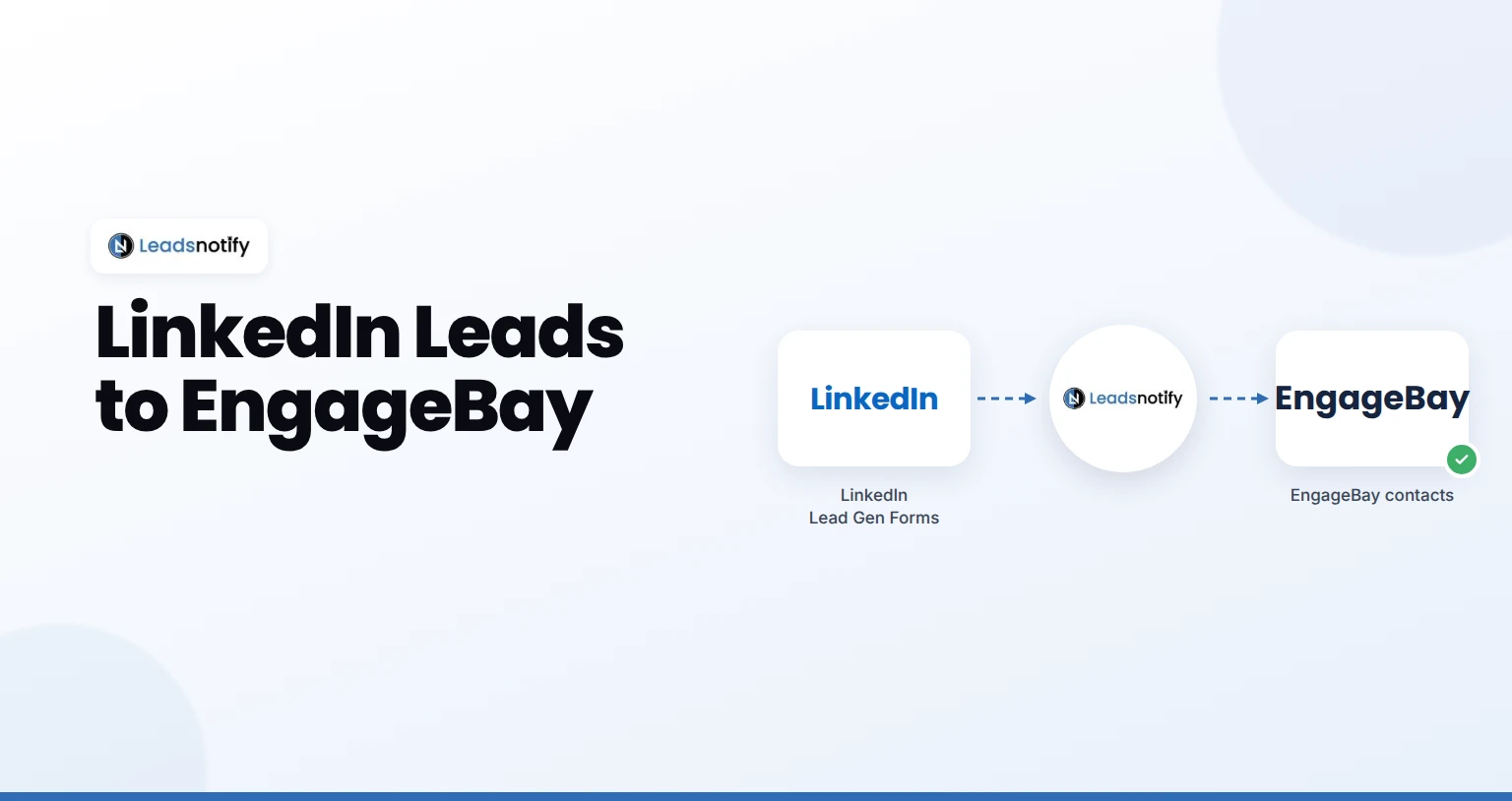
Send LinkedIn leads to EngageBay automatically. Connect your Page, add your EngageBay key, map fields and test it with LeadsNotify in about 5 minutes.
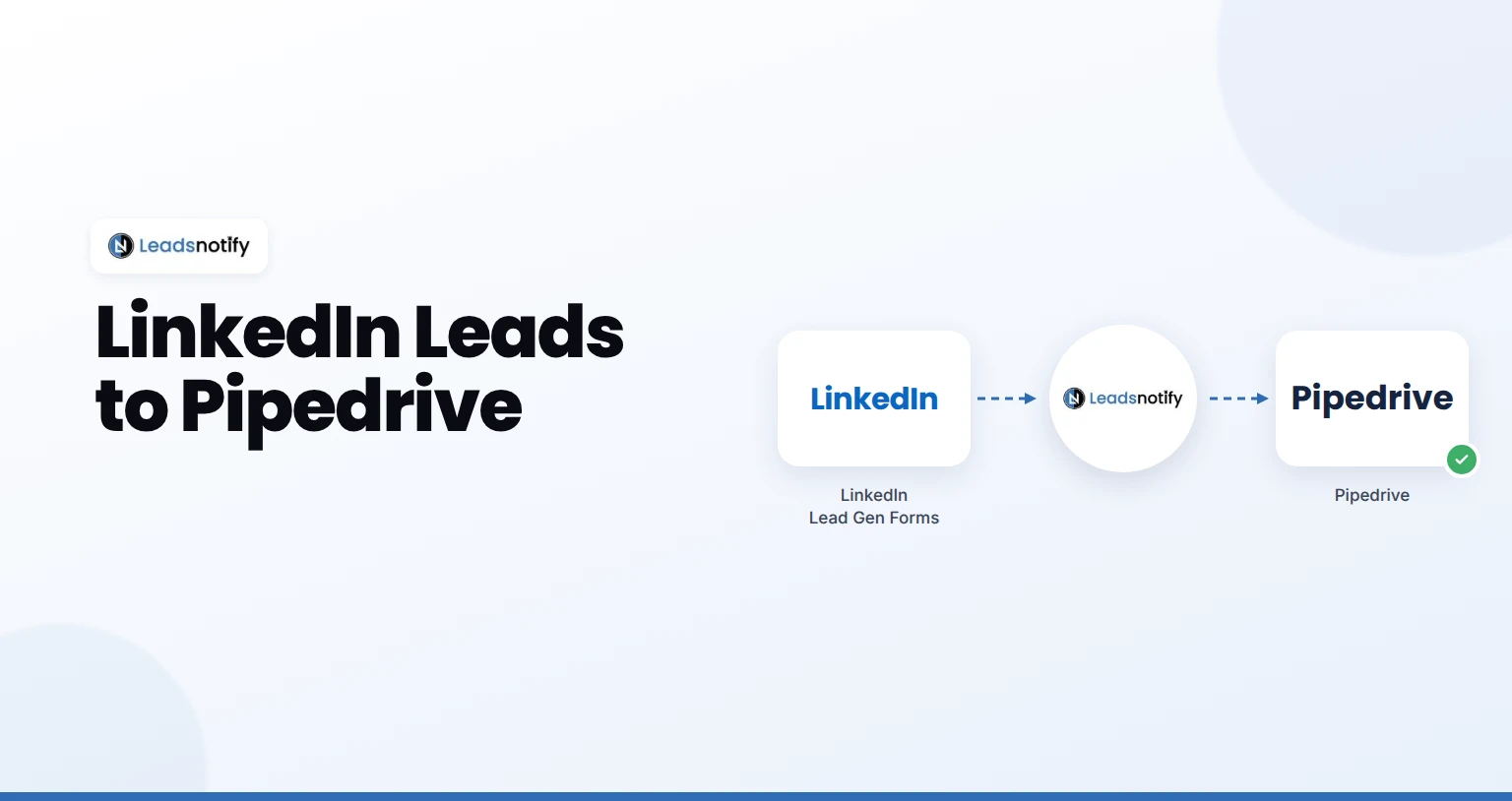
Send LinkedIn leads to Pipedrive automatically. Connect your Page, connect Pipedrive, map fields and test it with LeadsNotify in about 5 minutes.
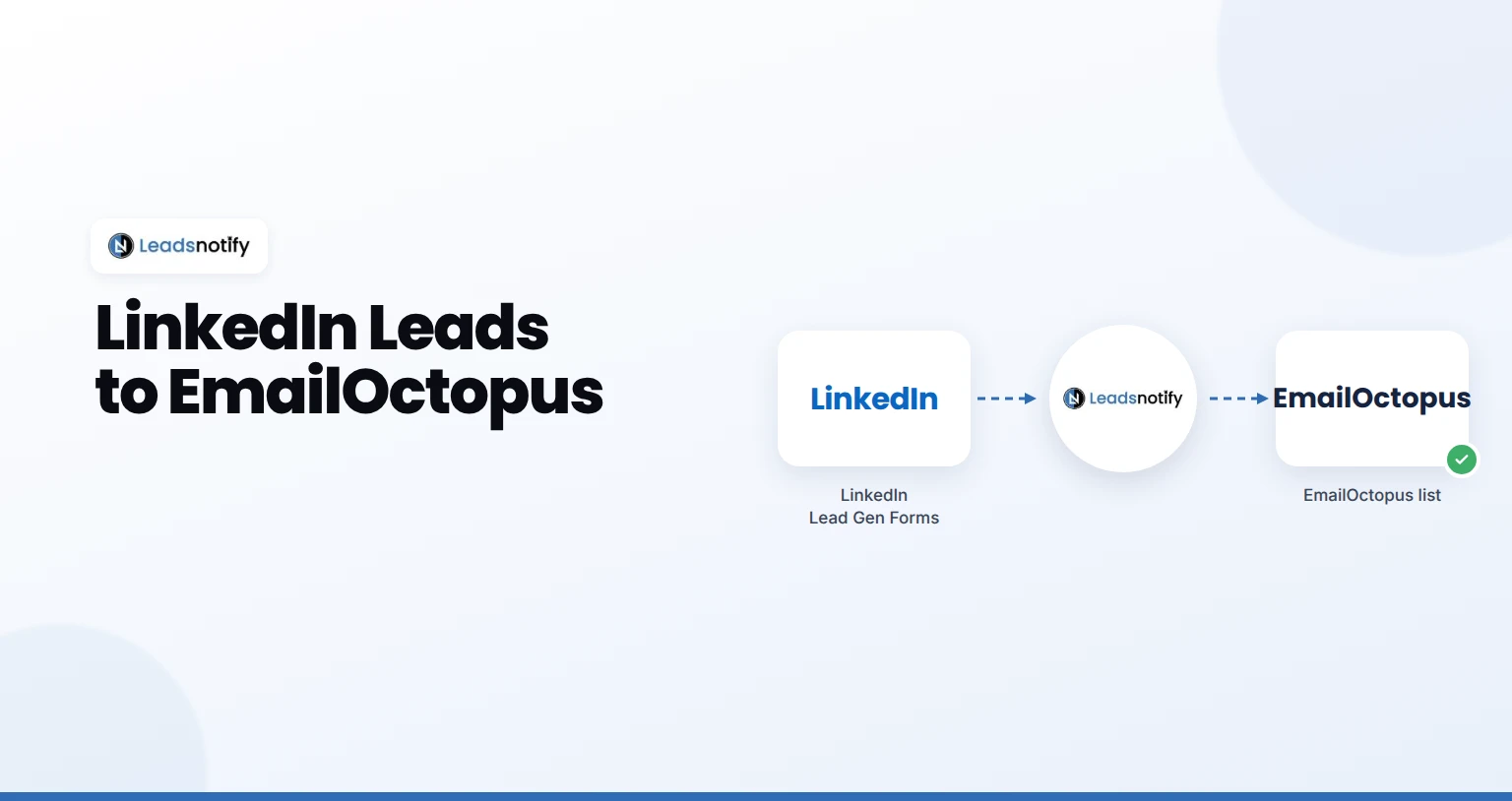
Send LinkedIn leads to EmailOctopus automatically. Connect your Page, add your EmailOctopus key and test it with LeadsNotify in 5 minutes.
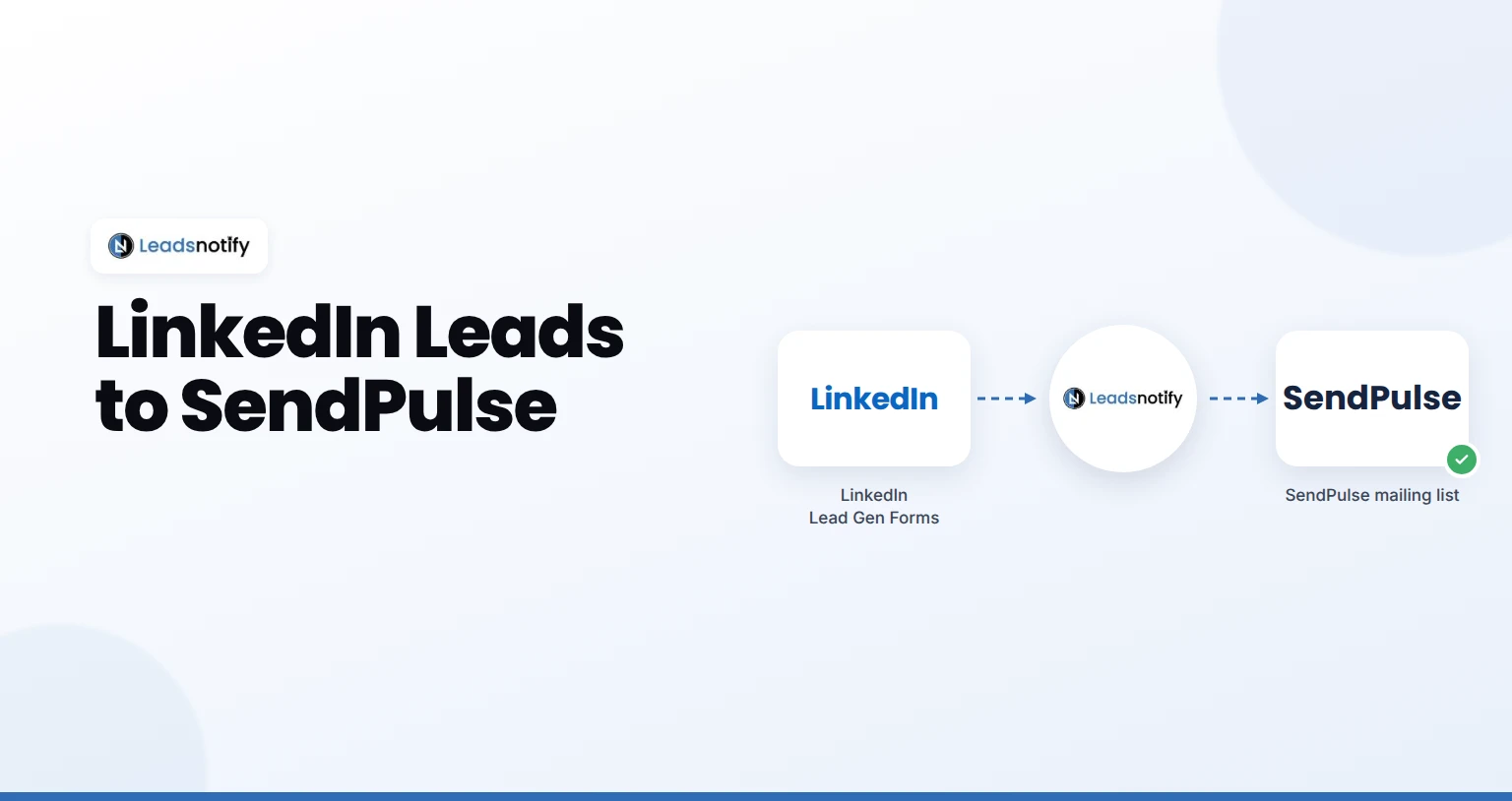
Send LinkedIn leads to SendPulse automatically. Connect your Page, add your SendPulse key, map fields and test it with LeadsNotify in about 5 minutes.