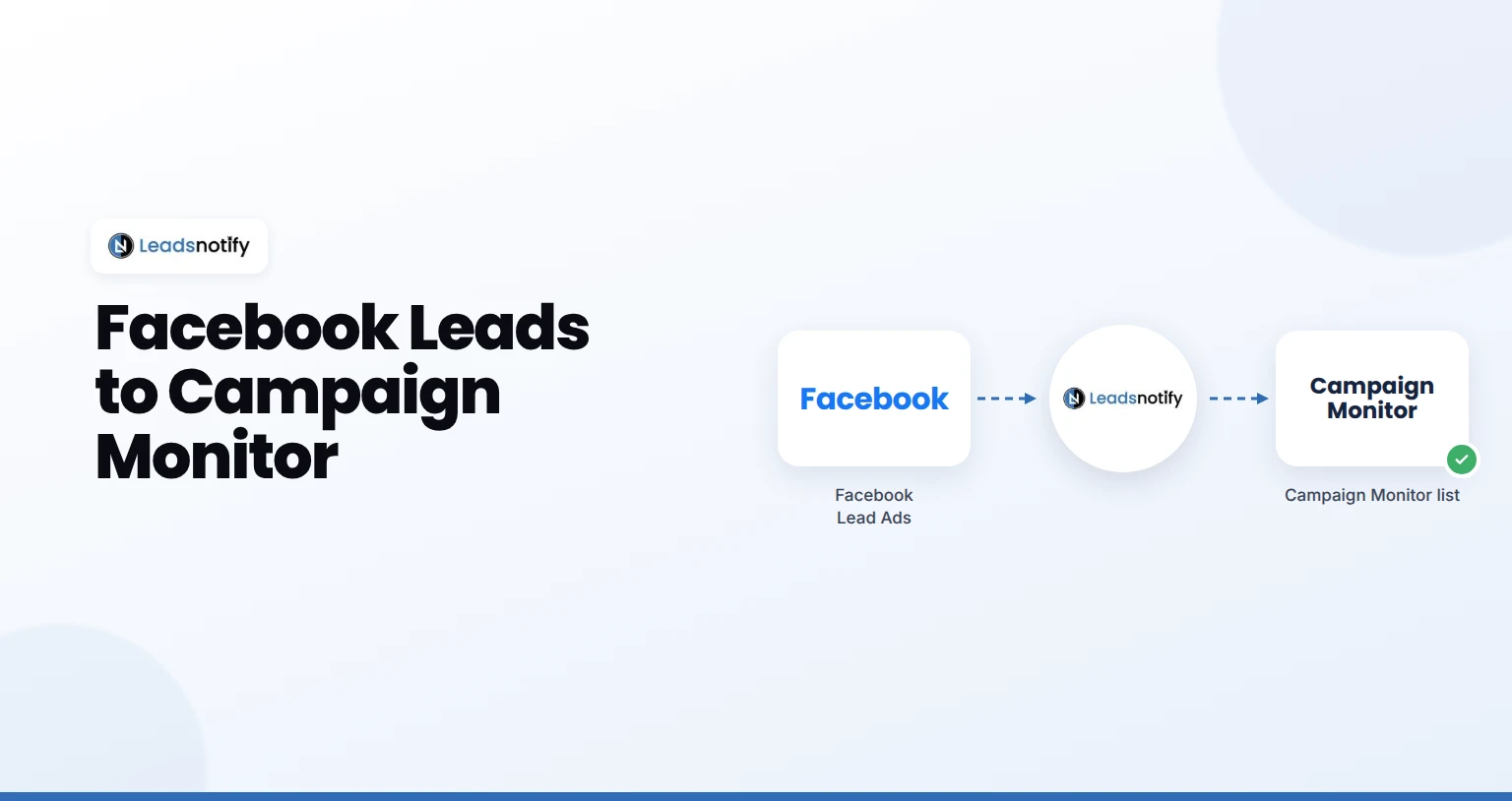
Send Facebook leads to Campaign Monitor automatically. Connect your Page, add your Campaign Monitor key and test it with LeadsNotify in 5 minutes.
Send Facebook leads to Campaign Monitor automatically. Connect your Page, add your Campaign Monitor key and test it with LeadsNotify in 5 minutes.
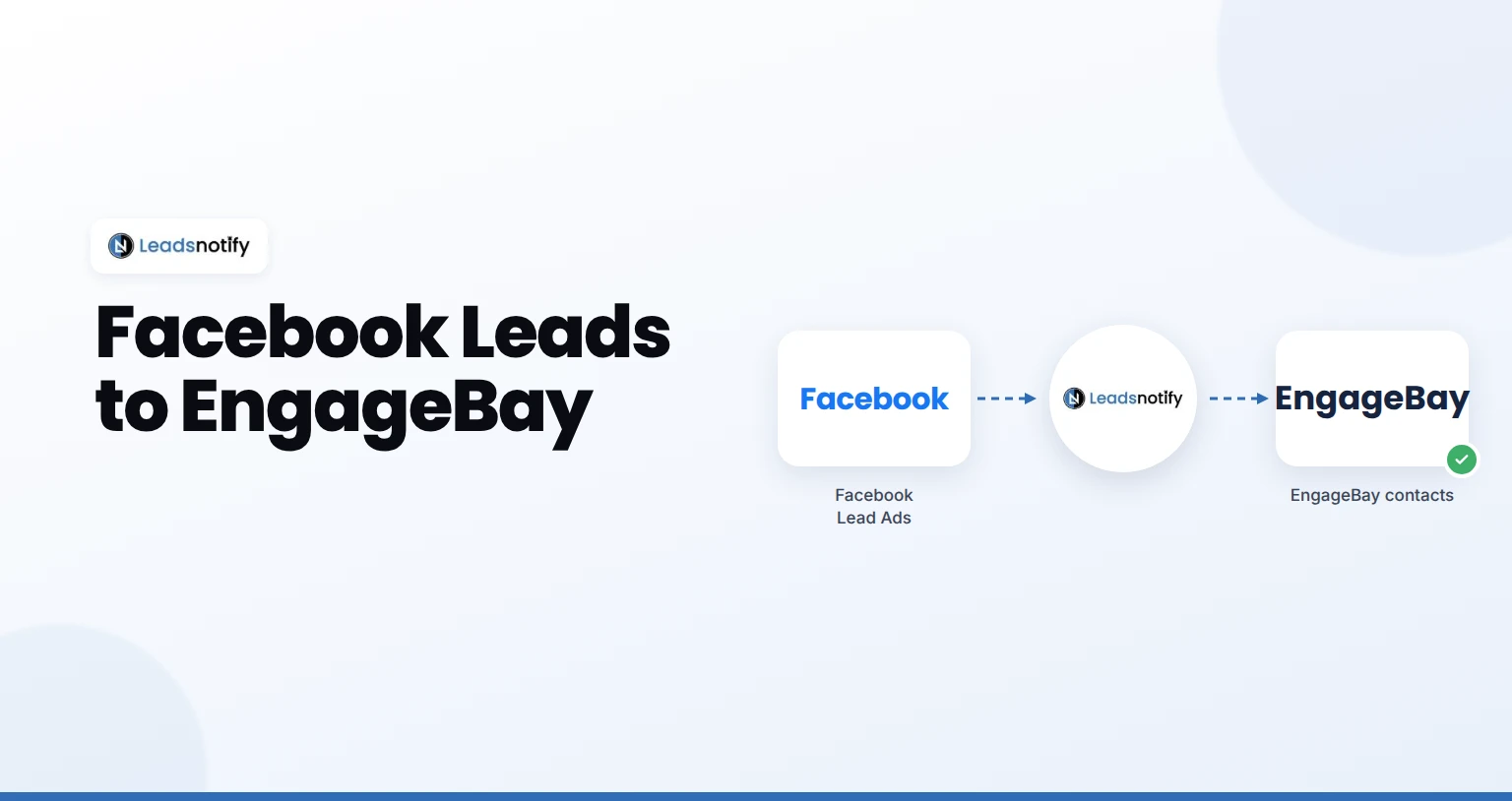
Send Facebook leads to EngageBay automatically. Connect your Page, add your EngageBay key, map fields and test it with LeadsNotify in about 5 minutes.
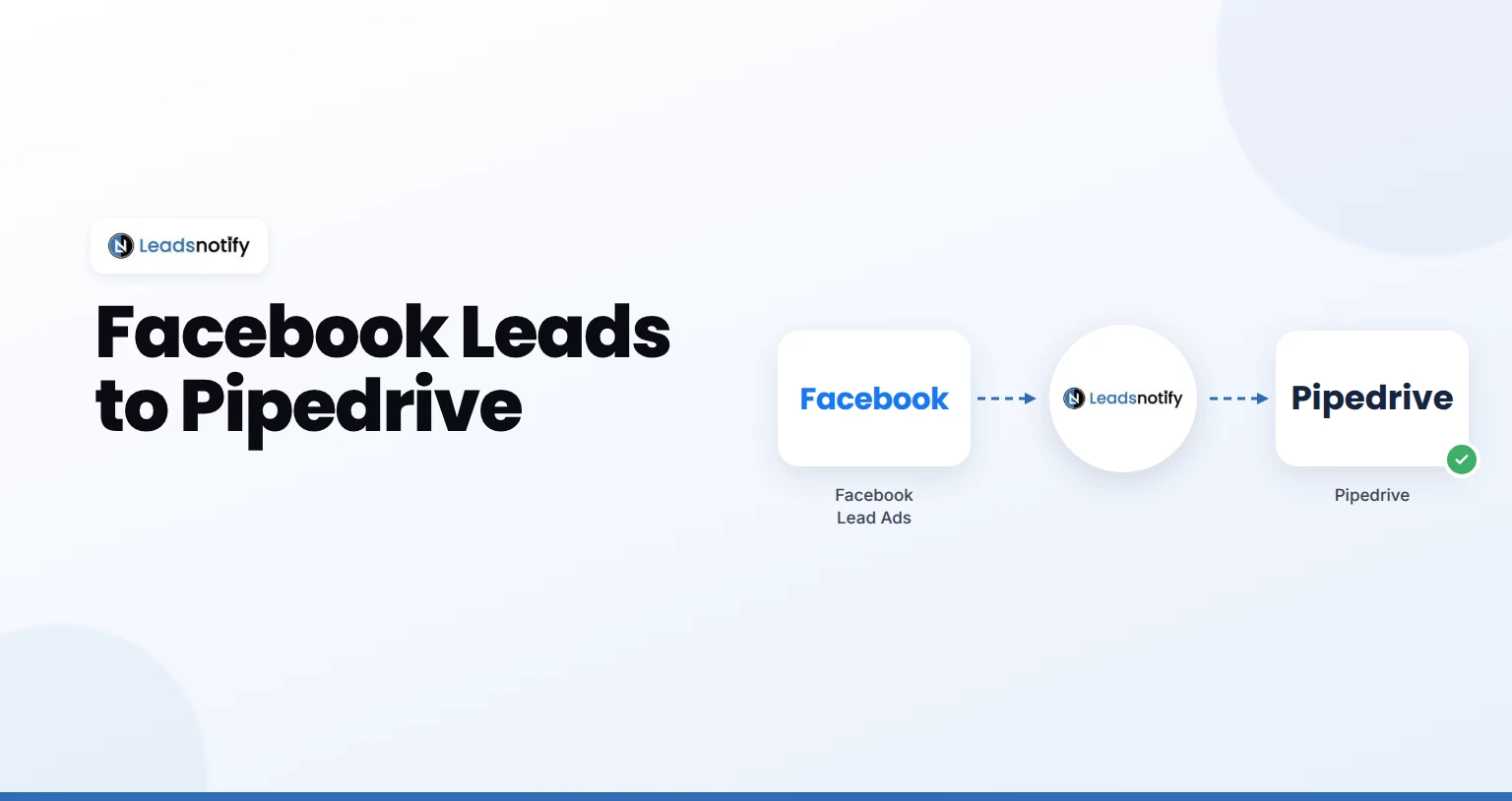
Send Facebook leads to Pipedrive automatically. Connect your Page, connect Pipedrive, map fields and test it with LeadsNotify in about 5 minutes.
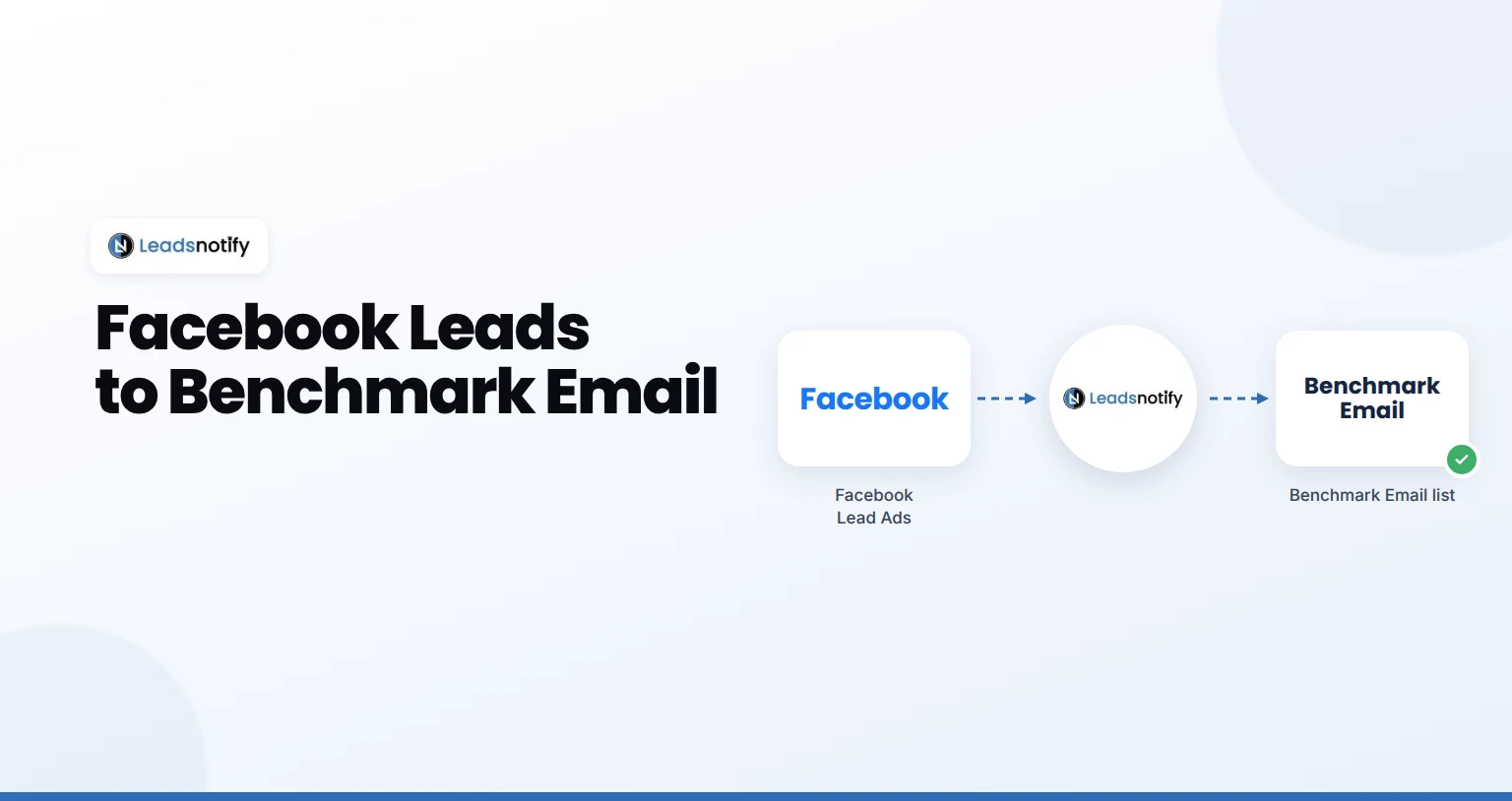
Send Facebook leads to Benchmark Email automatically. Connect your Page, add your Benchmark Email key and test it with LeadsNotify in 5 minutes.
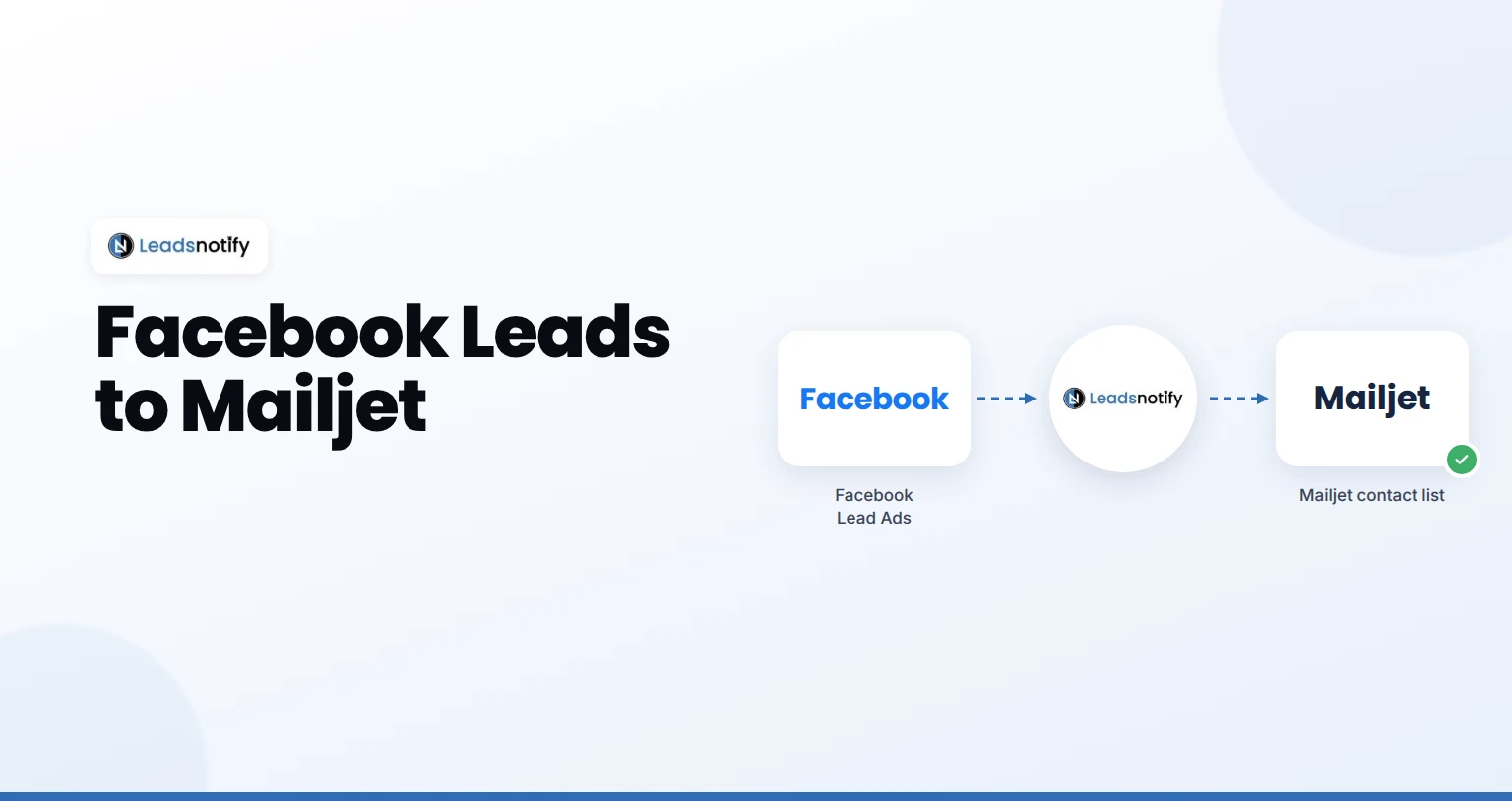
Send Facebook leads to Mailjet automatically. Connect your Page, add your Mailjet key, map fields and test it with LeadsNotify in about 5 minutes.
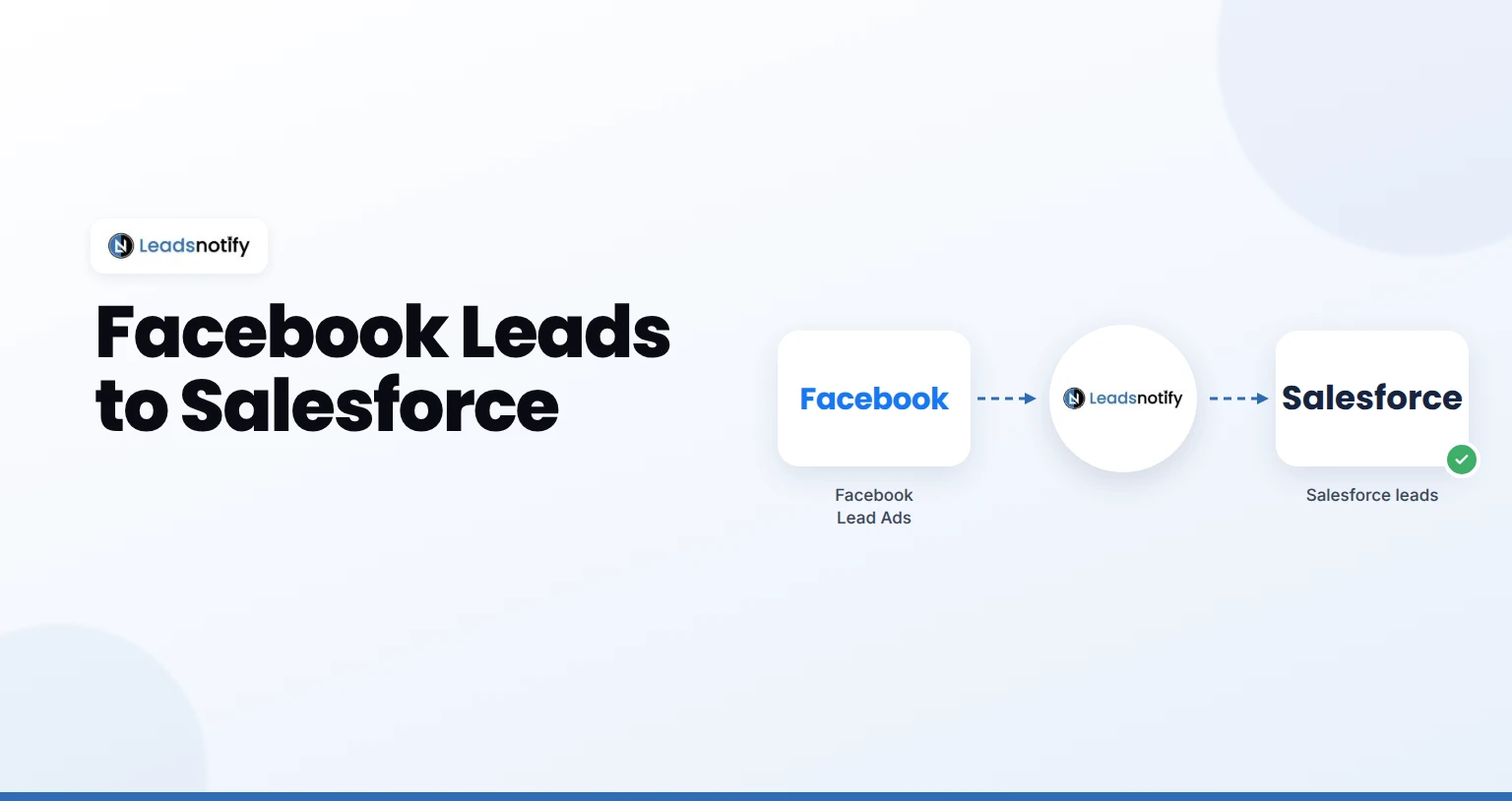
Send Facebook leads to Salesforce automatically. Connect your Page, connect Salesforce, map fields and test it with LeadsNotify in about 5 minutes.
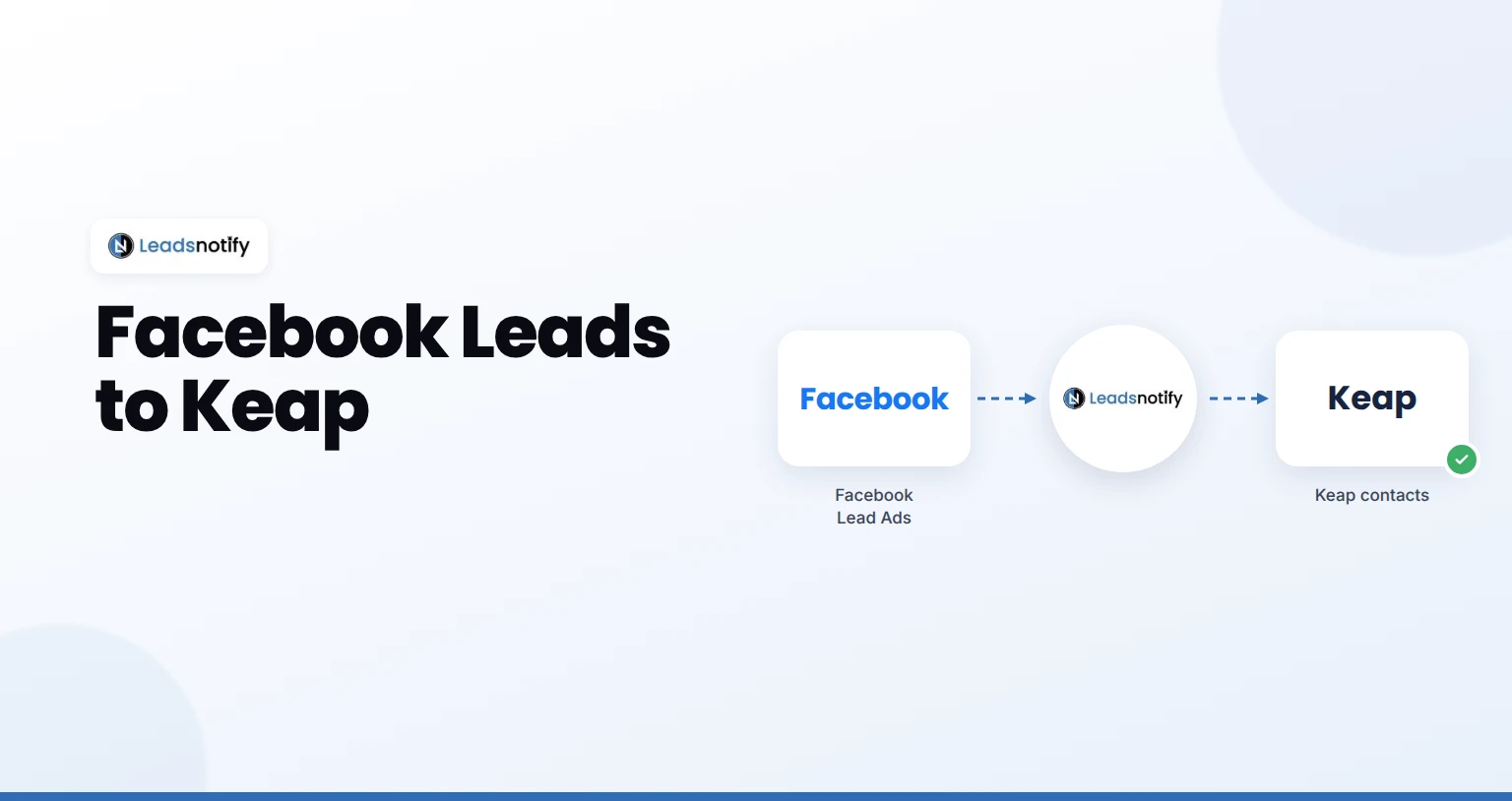
Send Facebook leads to Keap automatically. Connect your Page, connect Keap, map fields and test it with LeadsNotify in about 5 minutes.
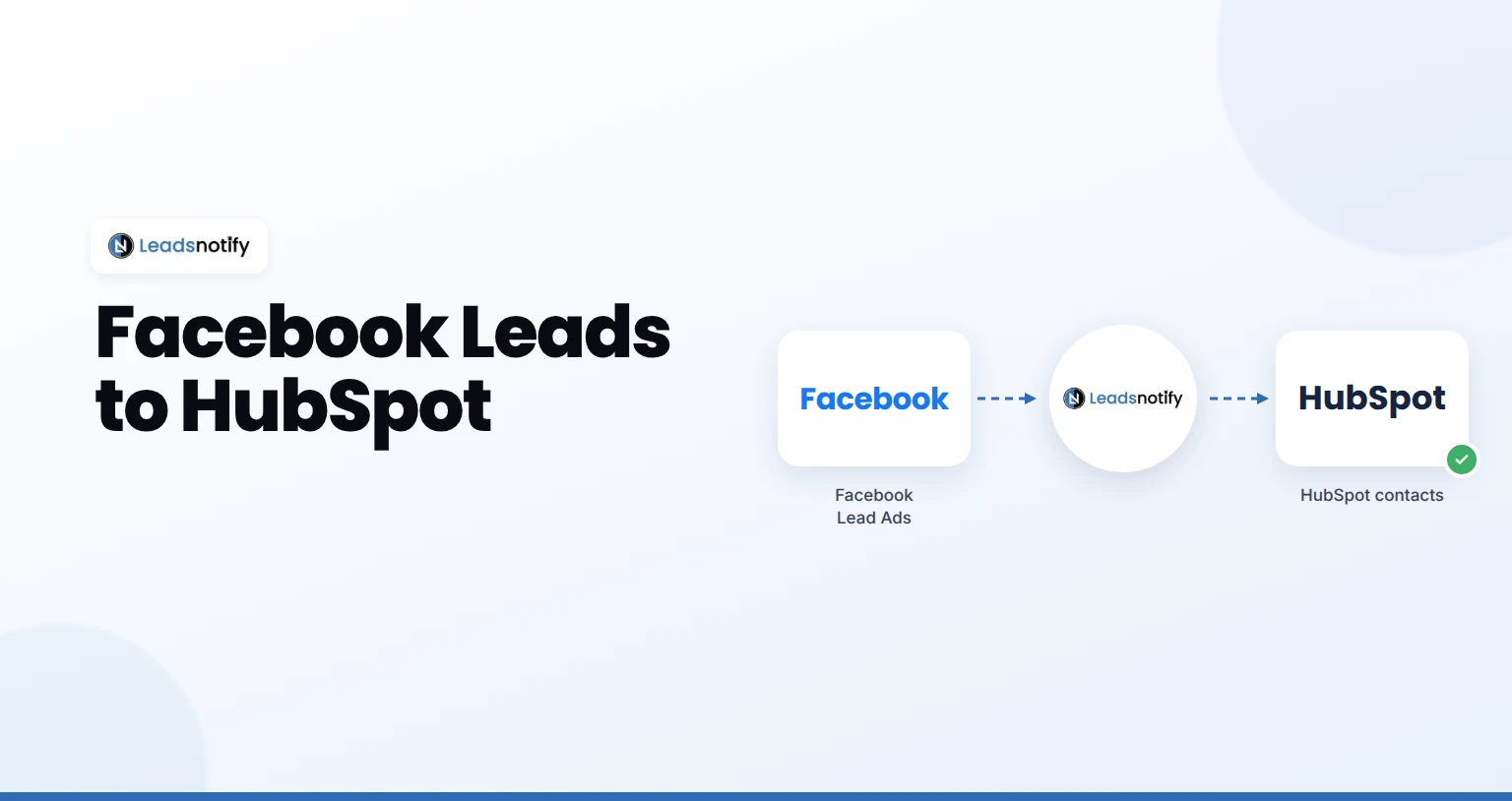
Send Facebook leads to HubSpot automatically. Connect your Page, connect HubSpot, map fields and test it with LeadsNotify in about 5 minutes.
Send every new Facebook lead ad to a Slack channel your sales team already watches, with no Slack app to build. Here’s the full setup, what it costs, and what to do when alerts stop.
Send every new LinkedIn lead gen form response to a Slack channel your sales team already watches, with no API access or Slack app to build. Here’s the full setup, what it costs, and what to do when alerts stop.